
Share the mailbox through named users
A department can retain an address such as accounts or reception without giving everyone the same sign-in. In Microsoft 365, approved staff access a shared mailbox through their own licensed Exchange Online mailboxes. The shared mailbox account itself should remain blocked from direct sign-in. Microsoft shared mailbox guidance
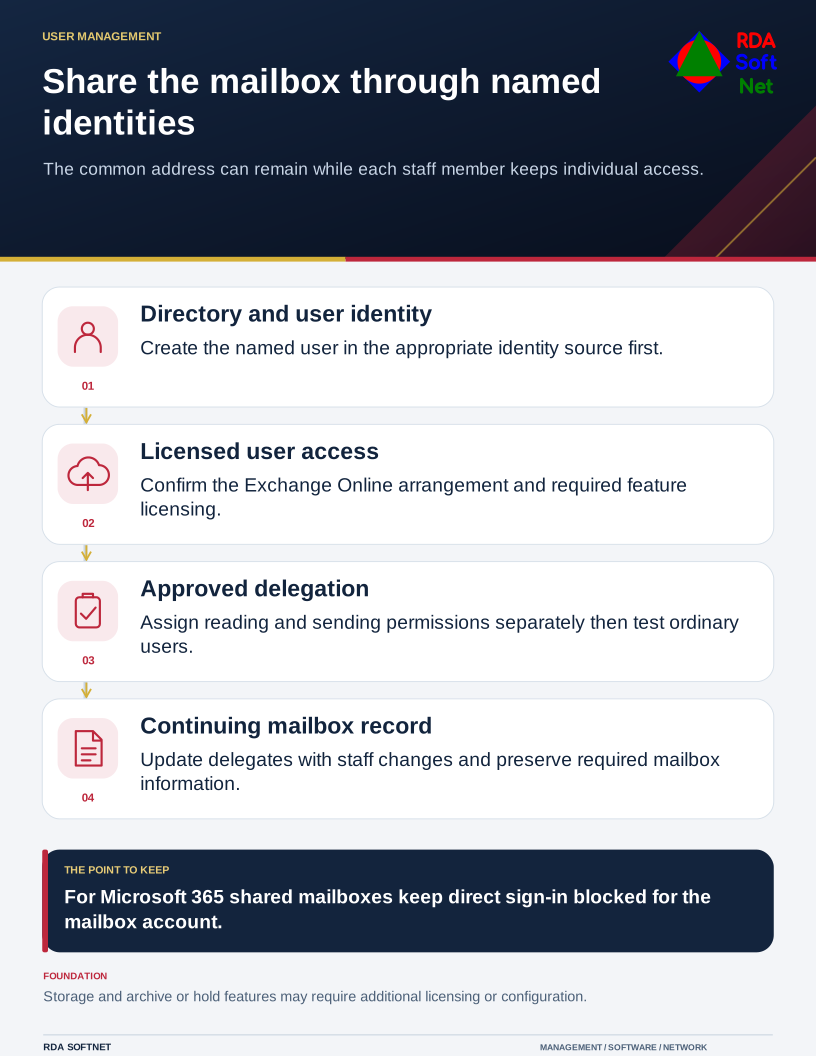
Share the mailbox through named identities
The common address can remain while each staff member keeps individual access.
Establish the permissions people need
Reading a mailbox and sending as that mailbox are different permissions. The business owner should specify who can read, who can send, and who approves changes. IT then configures and tests the required access. Check the actual mail platform, client behavior, and available audit records rather than assuming every shared mailbox works the same way.
Acknowledge the dependencies
The users first need identities in the directory or cloud identity service. Exchange Online access requires the relevant user licensing. Mailbox storage, archiving, retention, and legal hold features can introduce additional licensing or configuration requirements. Assign these decisions before retiring an existing mailbox login.
Keep staff changes connected
Add delegation through onboarding, adjust it when responsibilities change, and remove it during offboarding. Preserve the mailbox and its records according to the organization's requirements. Test the approved users' access before ending the old arrangement.
RDA can coordinate the mailbox owner, user provisioning, licensing, and mail configuration so the department retains a working address with a clearer record of who can use it.