
A laptop may move between an office, a home, a field location, and a shared workspace. The important questions travel with it: which information may be accessed, how the device is managed, and what the organization can do if it is lost or compromised.
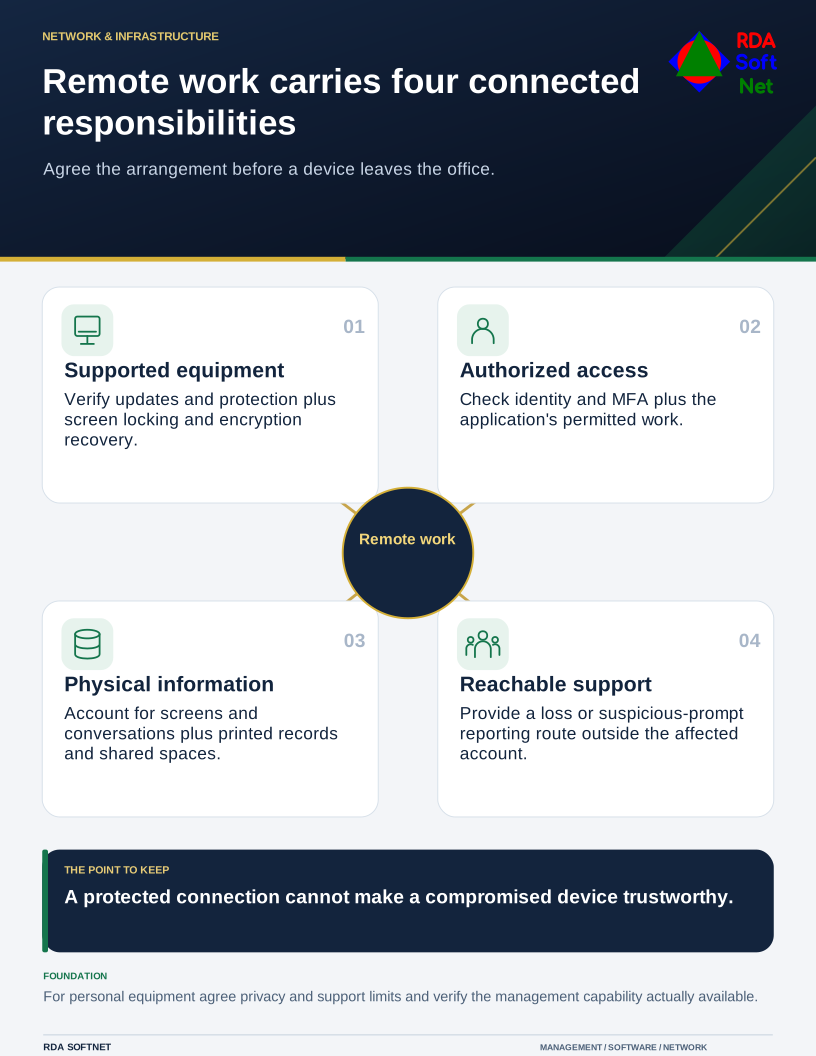
Remote work carries four connected responsibilities
Agree the arrangement before a device leaves the office.
Agree the access and the responsibility
Prefer a known, supported device for work that requires management controls. Define patching, encryption and key recovery, endpoint protection, screen locking, and the method for remote access. Verify the controls rather than relying on the employee’s assumption that they are enabled.
For personal devices, document the permitted work, minimum protections, support limits, privacy boundaries, and what can be removed when employment ends. A mobile application management arrangement may differ from full device management. Confirm the platform’s actual capabilities before promising selective removal.
NIST’s telework and BYOD guidance treats remote access, client devices, and policy as connected responsibilities. A VPN can protect a network connection; it does not make an unmanaged or compromised device trustworthy.
Include the physical workplace
Discuss screens, printed records, shared devices, confidential conversations, and storage at home. Use approved connections and service addresses. Provide an easy route to report a lost device or suspicious prompt, including when the person cannot reach their usual work account.
Test endpoint protection, identity and MFA, and application permissions as part of the chosen arrangement. Link remote access to onboarding and offboarding, with an approved assignment and a verified removal when the need ends.