
Installing an endpoint agent is one part of maintaining a device. Someone still needs to know that the agent is healthy, the operating system is supported, important updates have installed, and alerts will reach a person who can act.
Keep protection working after installation
A healthy endpoint needs maintained controls and a person responsible for exceptions.
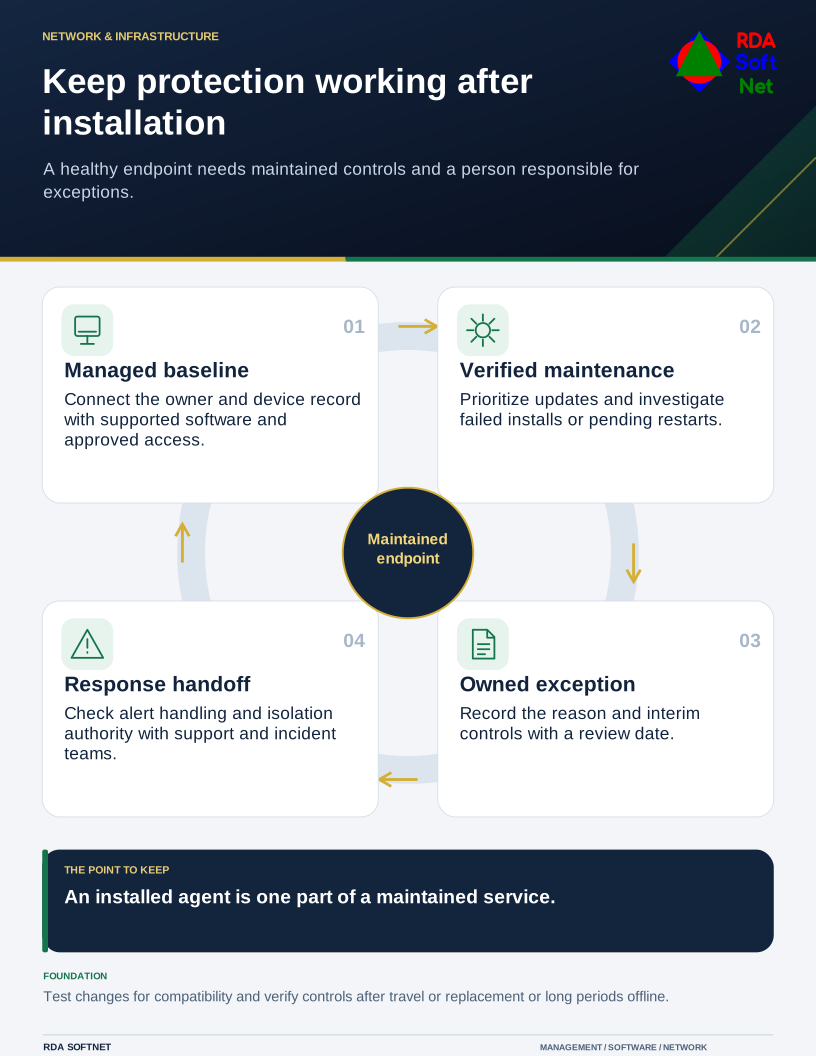
Establish the managed baseline
Connect the device to the asset record and its assigned owner. Confirm supported software, encryption and recovery arrangements, account privileges, approved applications, and the required management tools. The baseline should suit the device’s role, including operational restrictions and application-vendor dependencies.
Plan updates as maintenance. Prioritize based on exposure, the affected service, and evidence of exploitation, with a defined route for urgent work. NIST’s patch-management guidance includes identifying, prioritizing, installing, and verifying updates. A patch deployment that leaves devices pending restart or repeatedly failing needs follow-up.
Verify the exception as well as the rule
Test representative devices before broad changes where compatibility is a concern. Record exclusions and temporarily unsupported systems with their owner, reason, compensating controls, and review date. An exception should not disappear into an undocumented antivirus exclusion or an indefinitely postponed reboot.
Use separate administrative access for work that requires it. Staff should have an approved way to request software or elevation, so the operational need does not turn into a permanent local administrator assignment.
Keep the service desk, security monitoring, and incident response working from the same device record. State who can isolate a device, how the user is contacted, and how important work continues. Verify that the controls still function after replacement, travel, extended time offline, and changes in the device’s assigned use.