
A strong password protects one route into an account. Recovery contacts, enrolled authenticators, existing sessions, delegated access, and application connections can provide others. An account review should look at those routes together rather than ending when the password meets a rule.
An account has more than a password route
Begin with the managed identity and inspect the routes that can maintain or regain access.
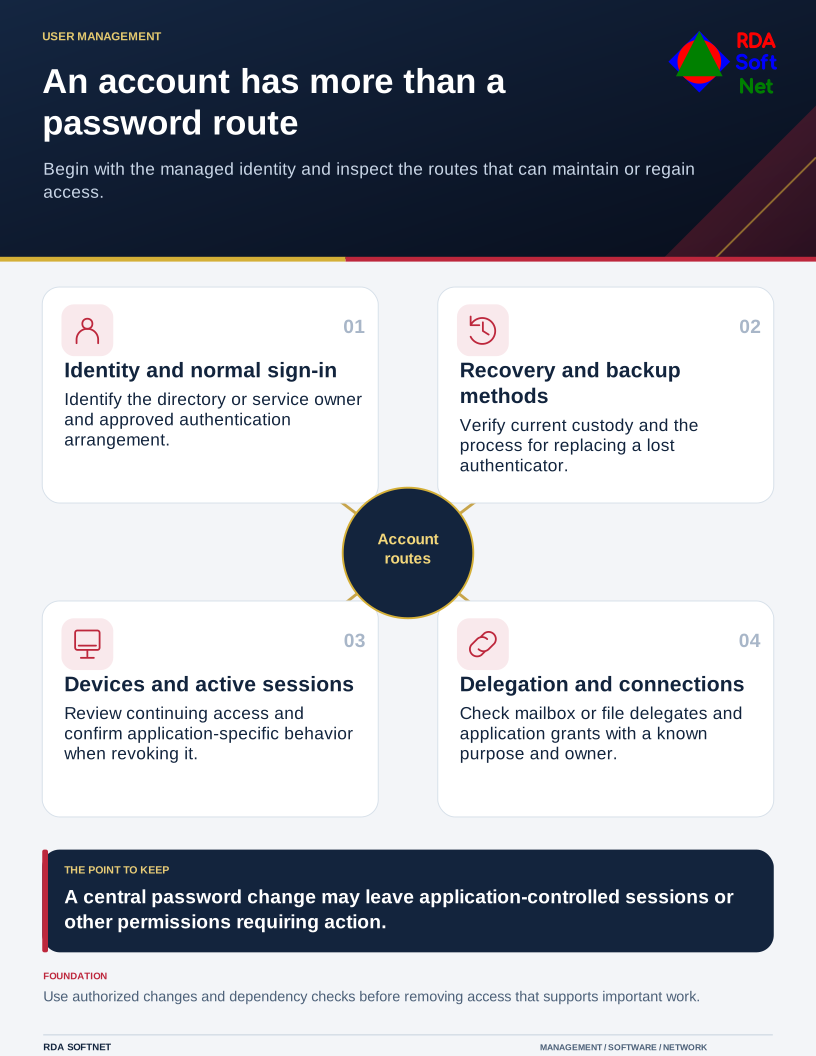
Begin with the identity's purpose and owner. Identify the directory or service that manages it, the applications it reaches, and who can authorize changes. An account important to the organization should not depend on an unexplained personal recovery arrangement.
Review the routes used less often
Check recovery email addresses, phone numbers, backup methods, and the support process for replacing an authenticator. Confirm that the current account owner controls them and that the organization's procedures can handle an absence or lost device.
Phone-number-based recovery deserves particular attention. A number may be transferred or reassigned, and a person may no longer control the device originally used to enroll. Follow the provider's supported security arrangements and avoid treating knowledge of a staff member's name or project as sufficient proof for a reset.
NIST's authentication guidance addresses authenticator lifecycle and recovery as well as normal sign-in. Use its relevant requirements alongside organizational obligations and actual product support. The user credentials guide connects those responsibilities with account creation, changes, and departures.
Include access that does not ask for a new password
Review active devices and sessions, delegated mailbox or file access, and permissions granted to applications. A background connection may continue operating without the employee visiting a sign-in screen. Its owner and purpose should be known.
The application integration guide explains why granting a connector access is a separate authorization decision. Remove obsolete permissions through a controlled process and check dependencies before disabling a connection that supports important work.
Microsoft's access revocation guidance explains that applications can maintain their own sessions. Confirm the particular application's behavior rather than assuming a central password change instantly ends every route. For suspected compromise, review changes made during the period of access as well.
Strengthen the normal route and test the exception
Use unique credentials stored through an approved password vault where passwords remain necessary. Choose suitable additional authentication and plan phishing-resistant methods where supported. A code generator, a push prompt, and a cryptographic security key should not be assumed to provide identical protection.
Protect the device and browser used to reach the account. Strong authentication does not remove risks from harmful extensions, stolen sessions, or unapproved remote support. Provide a reporting route for unexpected approval prompts and account changes.
Finish the review with an actual check: can an authorized person recover access safely, can obsolete access be removed, and can support explain which routes remain? Record unresolved exceptions with an owner. That makes the account supportable without relying on a password change as evidence that every access question has been answered.