
A staff member connected to office Wi-Fi should not automatically have access to payroll records. The same employee working from home may have a legitimate reason to use an approved business application. Network location helps describe the connection, but it cannot decide the person's authority by itself.
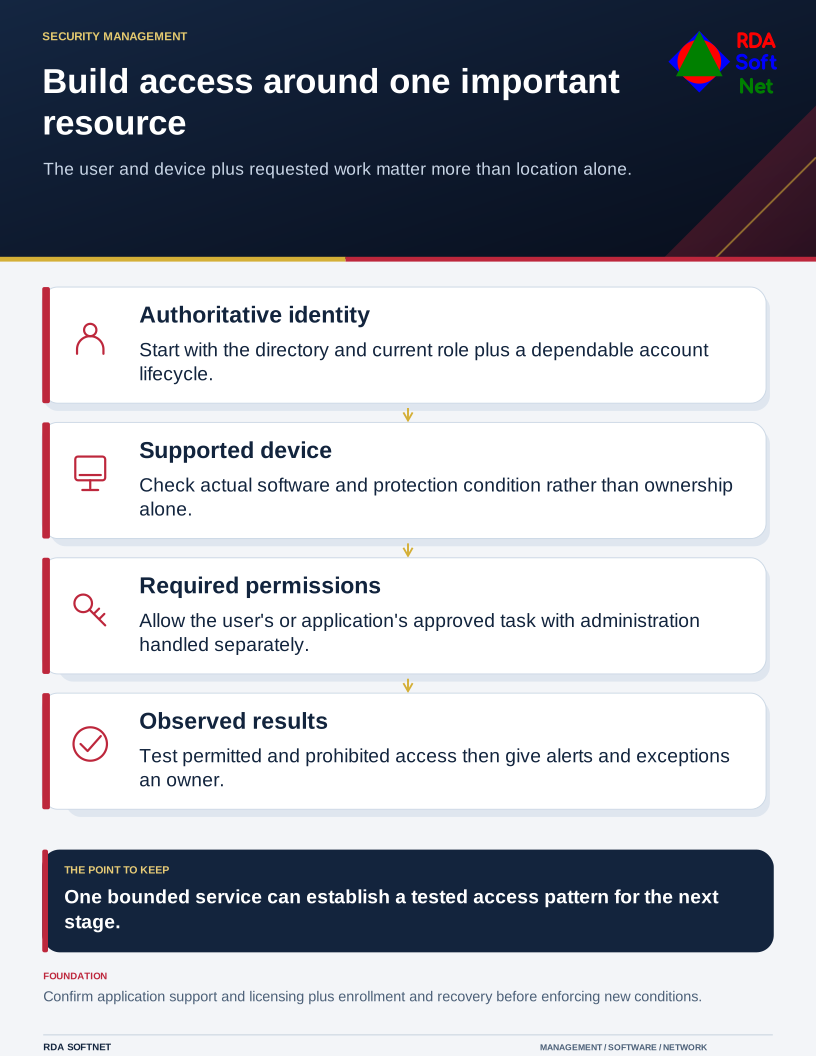
Build access around one important resource
The user and device plus requested work matter more than location alone.
That is a useful starting point for zero trust. NIST's zero trust architecture guidance focuses access decisions on users, assets, and resources, without assuming trust simply because of location or ownership. It describes an architecture, not a product that completes the work when installed.
Pick a service people understand
Choose a consequential but manageable starting point, such as the finance application, a sensitive records library, or remote administration. Identify its owner and the people, devices, and application connections that need it. Trace an ordinary task so the team understands what access is actually necessary.
The zero trust guide expands that planning. For a small organization, a clearly bounded service is often more useful than attempting to redesign every access rule at once. It makes both the technical work and its effect on staff easier to review.
Give identities a sound foundation
Use named accounts, current role assignments, and an authoritative directory or other managed identity source. Decide who approves access and how role changes and departures reach IT. A sophisticated sign-in rule cannot compensate for an account that should no longer exist.
Review user credential management, including account recovery and exceptions. Require suitable additional authentication and plan phishing-resistant methods where supported. Confirm licensing, application compatibility, and how people will enroll before enforcing a new requirement.
Device condition can also inform access. Define what the organization expects: supported software, updates, encryption where appropriate, and active protection. A device being company-owned does not establish that those requirements are currently met.
Restrict access and observe the result
Give users and applications the permissions their approved work needs. Separate administrative activity from everyday tasks. Test with ordinary staff accounts, since a successful test from an administrator's account can conceal missing permissions or excessive access.
Use network separation where it reduces unnecessary pathways, but do not confuse a separate wireless network or a named VLAN with complete protection. Rules must be configured and tested. Some authorized connections will still need to cross a boundary.
Decide which activity needs attention and who will respond. The security operations guide connects alerts with an owner, investigation, and follow-up. Collecting logs without arranging their use leaves an important part of the design unfinished.
At review, show what changed: obsolete access removed, approved devices able to work, exceptions with owners, and a tested recovery route. Those are practical outcomes management can assess. They also give the computer department a documented pattern to apply to the next service without claiming that one project has finished zero trust for the whole organization.