
Being connected to an office network should not automatically give someone broad access to everything on it. The organization still needs to know who is connecting, what they are using, and which resource their work requires.
Make access specific to the resource
Start with a clear service and improve the prerequisites before enforcing new conditions.
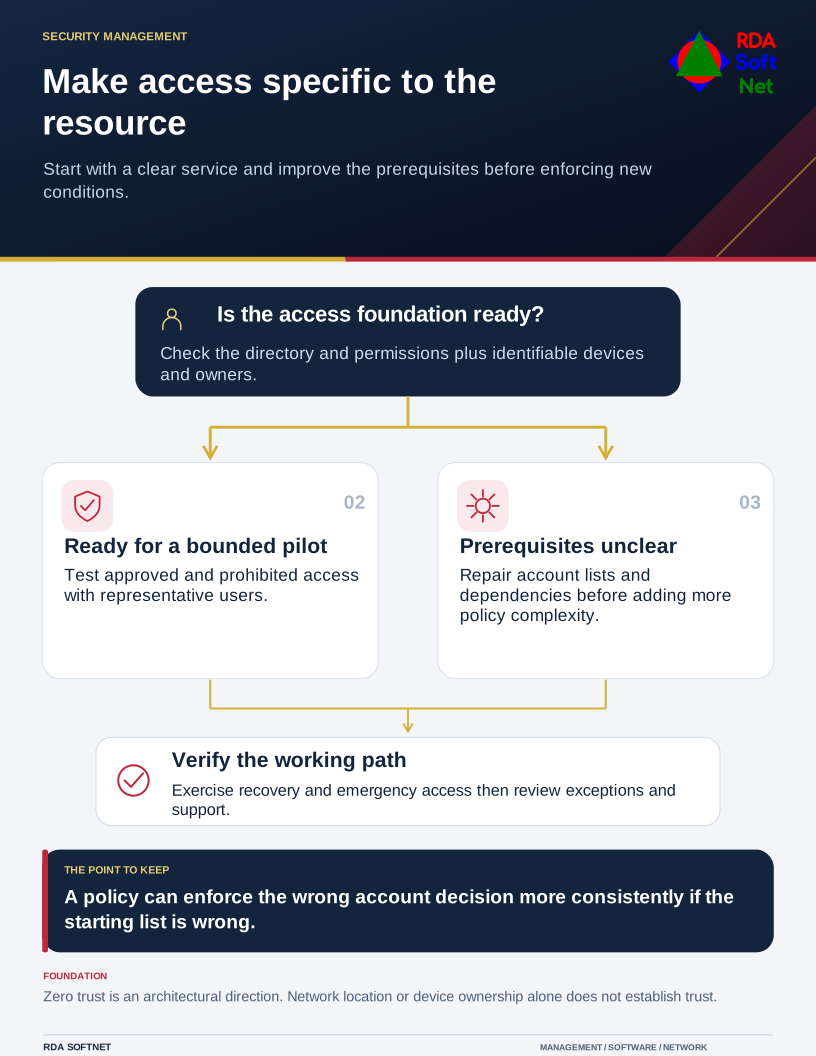
NIST’s zero-trust architecture publication describes an approach that removes implicit trust based only on location or ownership. It is an architectural direction, not a product name or a promise that a single purchase eliminates risk.
Begin with one important service
Choose a workflow with a clear owner. Identify its users, devices, information, application connections, and recovery needs. Check the identity source, authentication, and permissions before adding new access conditions. If the account list is wrong, a more elaborate policy can enforce the wrong decision more consistently.
Define the expected access and any exceptions. Contractors may need a limited resource for a defined engagement; administrators need different permissions from ordinary staff. Device conditions and session controls should reflect the application’s capabilities and the consequences of a false block.
Introduce controls in a controlled way
Pilot changes with representative users and use report-only or equivalent observation features where available. Test approved access, prohibited access, enrollment, recovery, and emergency arrangements. Give staff a support path before enforcing a restriction that could prevent them from working.
Network boundaries still matter. Segmentation can reduce unwanted paths, while application and identity controls make more specific decisions. Neither should be used as an excuse to omit the other when it is needed.
Give each phase an owner and acceptance checks. Keep the results with security operations, and revisit exceptions as applications and staff change. An isolated configuration change does not establish that the wider access design is working.