
A task board can show that work is late without explaining who can resolve the delay. It becomes more useful when the project already has a purpose, an accountable owner, and a way to approve decisions.
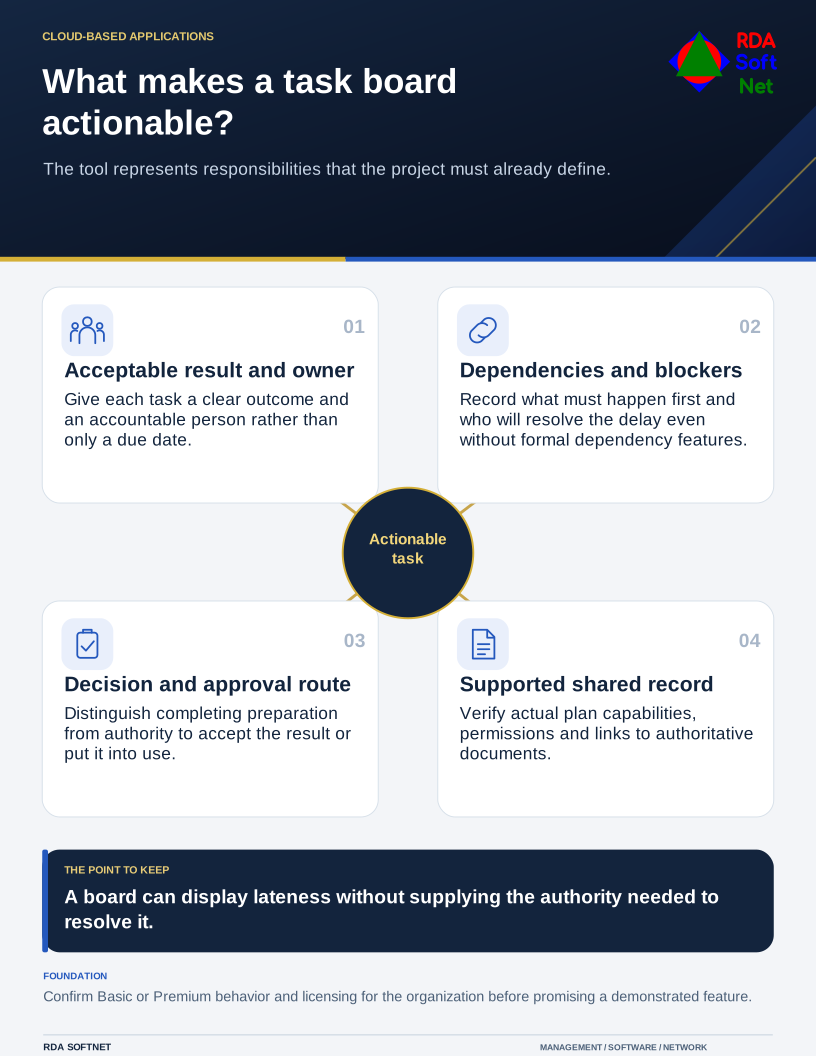
What makes a task board actionable?
The tool represents responsibilities that the project must already define.
Microsoft Planner can support that arrangement. The board should represent the team's working process rather than become another list that disagrees with email, meeting notes, and a manager's private spreadsheet.
Define a task someone can accept
Give each task a clear result and an accountable person. A due date means little if the task cannot start until another department supplies information. Record the dependency and who will resolve it, even when the selected tool does not provide a formal dependency feature.
Separate task completion from approval where the work requires it. The person preparing a change may not be authorized to accept the result or put it into production. Use the planning and approval guide to establish those responsibilities.
Agree how the team will update progress and discuss a blocked task. Short, regular updates are more useful than asking people to reconstruct weeks of activity before a review. Preserve the important decision in the agreed project record, rather than expecting chat history to explain it later.
Check the plan you actually have
Microsoft's Basic and Premium comparison shows that capabilities differ. Views, dependencies, and other features should not be promised solely because they appear in a demonstration. Confirm the organization's subscriptions and the behavior of the chosen plan.
Check access, ownership, guest participation, information retention, and the relationship with other Microsoft 365 services. A project involving an outside party may require a different audience from an internal operations plan. The cloud governance guide helps identify the administrative responsibilities.
Link to authoritative documents in their approved library. Avoid attaching uncontrolled copies merely to make the board look complete. The file collaboration guide connects the task with records that the organization can maintain after an individual leaves.
Keep sensitive details out of task titles and broadly visible notifications. A short task summary may still reveal personnel, legal, or financial information. Decide the audience before loading a real project into the plan.
Pilot a real working sequence
Use permitted representative work to test assignment, updates, review, and closure. Include an absent task owner, a changed due date, and an item that cannot be completed. Ask the team whether the plan helps them understand what to do next.
If reminders or integrations are added, apply the automation process. Confirm what identity performs the action, who receives failures, and whether a repeated run creates duplicate work. Automation should support the agreed responsibility, not silently approve a decision.
At handover, record who administers the plan and who maintains the working rules. Review whether fewer actions are being lost between meetings. A useful board gives people a shared view of the work and a route to resolve problems; it does not take over the project owner's judgment.