
A working subscription can conceal several unanswered questions: who receives renewal notices, who can change settings, which accounts are licensed, and who can restore information after a mistake. Start a cloud-service record with those questions, rather than with a list of purchased features.
Who operates the cloud service?
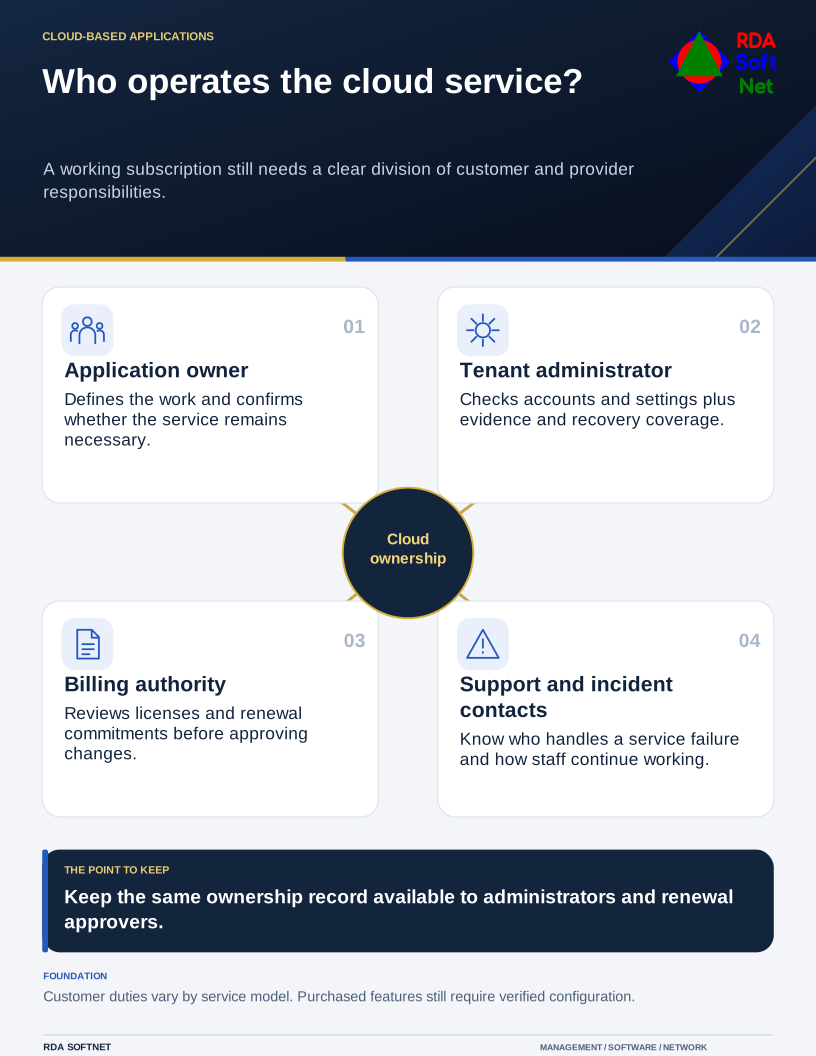
A working subscription still needs a clear division of customer and provider responsibilities.
Divide the responsibilities
Record the application owner, tenant administrator, billing contact, support provider, and vendor incident contact. Identify which tasks the provider performs and which remain with the customer. Microsoft’s shared-responsibility guidance explains that responsibilities vary by service model while customer data, identities, and controlled configurations still require customer attention.
Check account creation and removal, external sharing, security settings, logging, and the recovery arrangement. Licensing can affect which controls are available and how long evidence is retained. Verify the actual subscription and configuration before describing a feature as implemented.
Review use before renewal
Compare assigned licenses, actual work, unused accounts, and contractual commitment dates. A usage report is a starting point for a conversation with the application owner. A little-used account may support a seasonal task or an essential automated process. Remove it only after its purpose and dependencies have been checked.
Cloud operation also includes service-health review, escalation, and a practical continuity plan. Someone must decide how staff will work during an outage; the vendor’s status page cannot make that decision for the organization.
Keep the integration inventory and exit plan beside the subscription record. At the next review, the administrator, business owner, and renewal approver should be able to follow the same account of responsibilities and unfinished work.