
A department should not discover that its working records depend on a former employee’s personal sharing links. Decide where information belongs while the owner is still available to explain it.
Different file homes carry different duties
Individual working material and lasting team records both need organizational control.
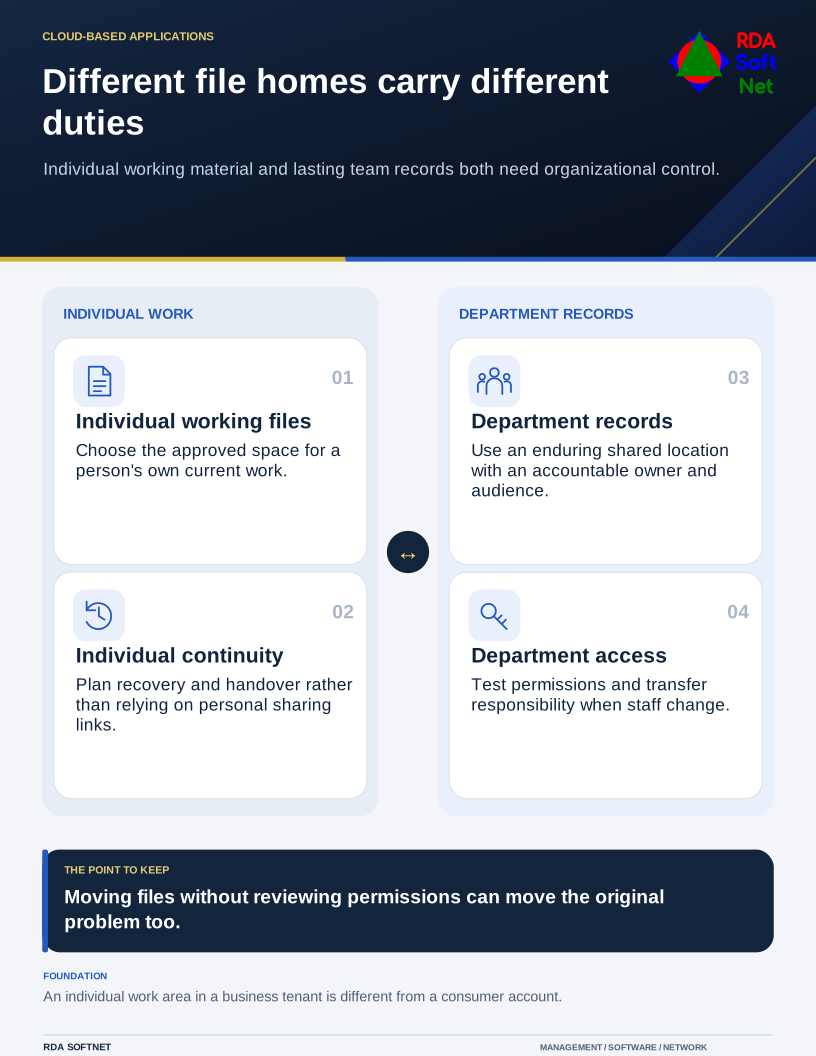
Start with who owns the work
An individual’s working files and a team’s enduring records have different needs. Microsoft’s OneDrive and SharePoint guidance distinguishes individual file work from team collaboration. In a business tenant, those options still need organizational administration; “personal working space” does not mean a consumer account is an approved home for business records.
Choose a shared location with an accountable departmental owner and appropriate administration. Review the audience, inherited permissions, external sharing, and the links already distributed. Moving a folder without understanding its permissions can preserve the old problem or create a new one.
Make the handover usable
Agree a sensible structure, naming approach, and method for requesting access. Test with a normal user, including someone who should not see restricted material. Include remote and mobile use where required.
Record retention and recovery requirements with the information owner. Version history, synchronization, recycle bins, and independent backups provide different capabilities. Establish the backup arrangement required for the records instead of assuming those features are interchangeable.
When files support another workflow, involve the department, tenant administrator, and application provider before moving them. Connect permission reviews and ownership changes to offboarding. Include the file sources and sharing permissions in an AI review, because tools operating with an employee’s access can make existing oversharing easier to discover. Confirm that the department can retain and manage the records when an individual owner leaves.