
A new employee should not have to discover which department forgot to request their account. The first login should complete a prepared handover between the manager, HR, IT, and any application owners involved.
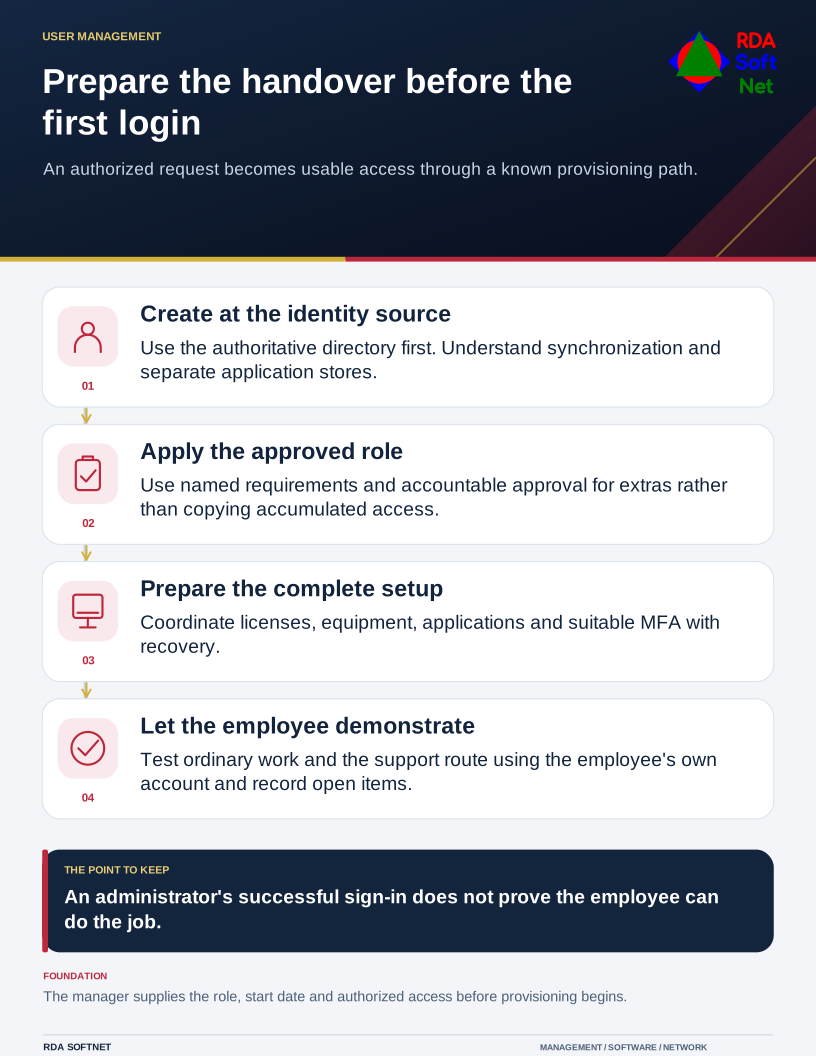
Prepare the handover before the first login
An authorized request becomes usable access through a known provisioning path.
Start with an authorized request containing the role, start date, manager, work location, and required access. Confirm who may approve later changes. A form can make that request consistent, but the form itself does not decide which permissions the job requires.
Create the identity in the right place
The first technical dependency is the organization's authoritative identity source. That might be Active Directory, a suitable LDAP directory, a cloud directory, or a managed combination. In a synchronized environment, understand where the account should originate and how it reaches other services.
Where local directory or synchronization servers are involved, their availability and supported administration are dependencies too. An application with its own user store needs a separate approved provisioning step.
The directory guide acknowledges those supporting roles. Microsoft also advises reviewing user type, authentication, and intended access before creating or inviting a user in its Entra user guidance. An employee account and an external guest arrangement should not be selected interchangeably for convenience.
Assign access from the approved role and named application requirements. Copying a colleague's permissions can also copy exceptions accumulated over several jobs. Give each extra permission an accountable approver.
Prepare accounts ahead of time where appropriate, while controlling when they can be used. Deliver initial access through the approved identity-verification and credential process. Avoid sending reusable secrets broadly through a welcome email or relying on an unverified personal address.
Prepare the working setup
Record and configure the device, applications, updates, protection, and management arrangement. Confirm licensing and any specialist hardware or access. A laptop with an email shortcut is not ready if the employee cannot use the application's required scanner or departmental file library.
Use the onboarding guide to coordinate equipment, accounts, instructions, and ownership. If a temporary device or limited access is necessary, record the limitation and the person resolving it. Temporary arrangements should not disappear from view once the employee starts working.
Include enrollment in approved authentication methods and a supported recovery route. The MFA guide covers the cases that are often missed: unavailable personal phones, shared workstations, replacement authenticators, and accessibility needs.
Let the employee demonstrate the handover
On the first day, have the employee sign in with their own account and complete a representative task. Test necessary applications, shared records, communication, and the support contact. An administrator's successful test does not demonstrate ordinary user access.
Show where authoritative instructions and business records belong. Explain how to request another application or report suspicious activity. The manager should confirm the person has the access needed for the role, including any deliberate restrictions.
Record what was issued, what was tested, and what remains open. Revisit the arrangement after the person has performed real work, and update the access record as responsibilities change. That information also supports offboarding later; a well-documented first day should make a future departure less dependent on memory.