
Two departments can produce different totals without either spreadsheet having a broken formula. They may be counting different dates, excluding different cases, or using different meanings for “complete.” Start by agreeing the decision the report is supposed to support and the records that belong in it.
Agree the meaning before comparing totals
Different definitions can produce different reports even when every formula works.
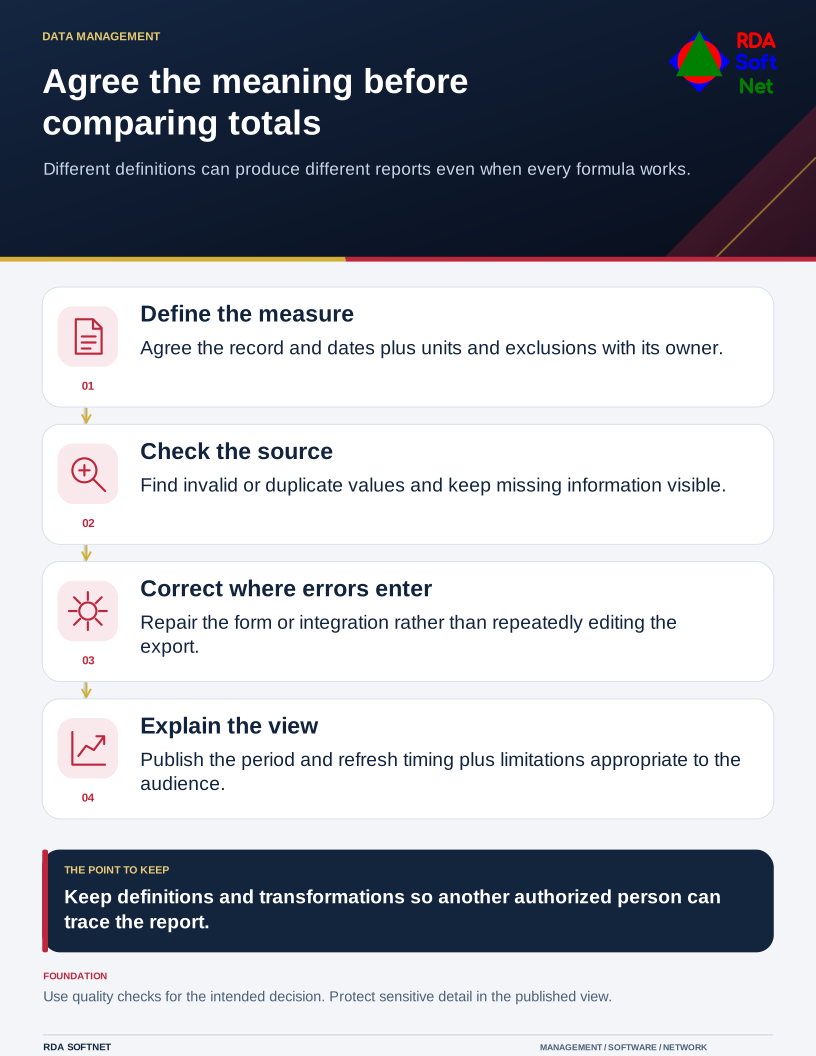
Name an owner for each important definition and identify the source of record. Document dates, units, status values, exclusions, and the expected update frequency. Make missing information visible; an empty field should not silently become a zero or a completed task.
Fix recurring errors near their source
Check for duplicate identifiers, invalid values, inconsistent dates, stale records, and missing required fields. Decide which problems block use and which can be disclosed as limitations. The UK government's Data Quality Framework offers practical methods for assessing whether information is suitable for its intended use and communicating its limitations. It is a useful operating reference, not a requirement imposed on every RDA client.
Give the staff creating records a workable correction process. Repeated manual cleanup of an exported report can hide an issue in the original form, integration, or agreed procedure. Address that source with the responsible department and application provider.
Keep the published view understandable
Label charts with the period, measure, and relevant exclusions. Verify a selection against the underlying records before release. Restrict access and detail according to information-handling rules; a dashboard can reveal sensitive information even when it summarizes individual records.
Retain the definitions, transformation steps, owner, and review date where another authorized person can find them. Connect changed inputs to integration testing so a vendor's field change does not quietly alter management reports. At the next review, compare a fresh selection and confirm that the report still answers the intended question.