
A familiar sign-in screen and a functioning MFA prompt can make a link feel legitimate. In an adversary-in-the-middle attack, a malicious site relays communication with the real service. The victim can see a working login process while the attacker attempts to capture information that will support access to the account.
Why a working MFA prompt can still need review
A deceptive route may relay the real sign-in process.
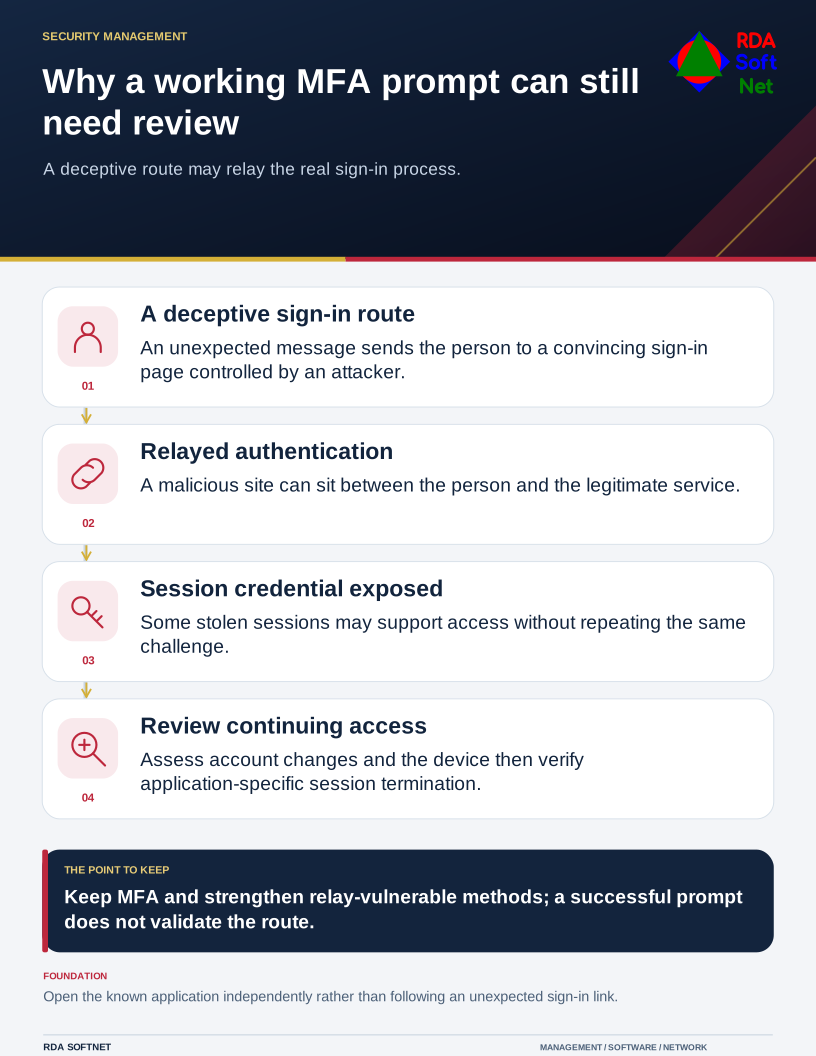
That is why staff should begin from a known application or saved organizational sign-in location when a message unexpectedly asks them to authenticate. The fact that a prompt worked is not proof that the path to it was trustworthy.
Explain the risk without making sign-in mysterious
Microsoft's session cookie theft guidance describes phishing infrastructure acting between the user and legitimate website. The attacker may obtain a session credential after the user completes authentication. A usable stolen session can allow access without repeating the same challenge.
This does not mean every suspicious message uses that technique, or that all forms of MFA behave alike. Continue using multifactor authentication, and strengthen methods that are vulnerable to real-time relay. The passkey guide explains phishing-resistant methods and the enrollment, recovery, and compatibility questions that accompany them.
For staff, the instruction should remain manageable: pause at unexpected sign-in requests, use a known route, and report a concerning interaction promptly. Do not make people responsible for identifying a sophisticated attack before they are allowed to ask for help.
Review what happened after the sign-in
If someone reports entering credentials or approving a prompt at an unfamiliar site, the team should assess the account through the incident response procedure. Record the time, message, destination, and actions taken. Preserve useful evidence without asking the user to revisit the suspected site.
An investigation may need to review mailbox rules, forwarding, added authentication methods, application permissions, file access, and messages sent from the account. Evaluate device exposure as well. The absence of a failed sign-in alert does not establish that nothing happened, but it is also inaccurate to assume these attacks can never leave detectable activity.
The security operations guide connects those signals with investigation and escalation. Confirm that the relevant logs are available and retained long enough to support the work the organization expects.
Verify that access has ended
Restrict or recover the account through approved procedures, using a trusted device and communication route. Review suspicious changes and check the application's session termination behavior. Microsoft explains that some application sessions require application-level handling; a central identity change does not instantly invalidate every possible session.
After containment, correct the entry route and any persistence before returning the account to normal use. Document the facts, unresolved questions, and follow-up owner. RDA coordinates the identity, device, and application work so a reported phishing interaction receives a complete assessment rather than ending with a password reset and an assumption.