
Taking a laptop home should not mean taking over the job of the computer department. Staff need clear expectations, but the device also needs a managed configuration that supports those expectations. Reminders alone will not install missing updates, protect a lost device, or recover a file stored in the wrong place.
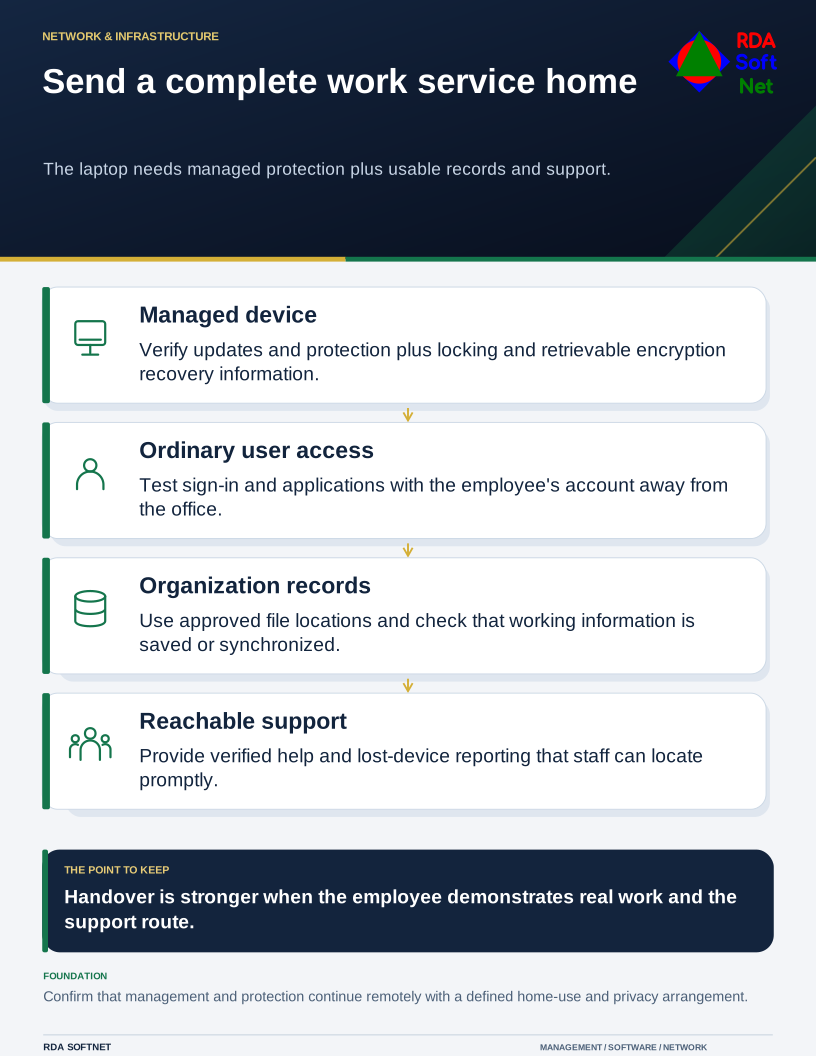
Send a complete work service home
The laptop needs managed protection plus usable records and support.
Before issuing equipment for remote work, agree what the person needs to do, which information they will handle, and how support will reach them. A home working standard should fit those tasks rather than assume every role needs the same access.
Prepare the laptop before the handover
Record the device, its assigned user, support status, and management connection. Confirm updates, endpoint protection, firewall settings, and an automatic screen lock. Enable suitable disk encryption and verify that authorized support staff can retrieve recovery information through a controlled process.
The endpoint security guide provides the supporting operating checks. Do a real sign-in and application test with the employee's normal account. An administrator successfully opening an application does not prove the person can complete their work.
Check whether management and protection continue to function away from the office. A device that only receives updates when connected to a local server may need a different arrangement. NIST's telework security guidance treats remote access and the client device as parts of the same security problem.
Give staff a short, usable routine
Explain where the laptop may be used and stored. It should remain a work device rather than become a household computer. Ask staff to lock the screen whenever they step away and position it so others cannot casually read sensitive information.
For home networking, provide guidance appropriate to the user's responsibility: a supported router, current security updates, protected administrative settings, and modern wireless security. Do not ask staff to expose services directly to the internet to solve a remote access problem. Use the organization's approved connection method.
Our remote work guide also covers personal devices and mobile arrangements. Those need explicit boundaries about permitted data, support, monitoring, and removal of organizational information. A personal device should not acquire unrestricted access simply because a deadline is approaching.
Make files and support reachable
Tell the employee where working documents belong and how to check that they are saved or synchronized. Personal cloud storage and local-only folders can separate important records from the organization's recovery and access controls. The file collaboration guide helps distinguish personal working space from department-owned records.
Provide a verified support contact and a way to report a lost laptop or suspicious sign-in promptly. Staff should not have to search an unfamiliar website for help or allow unsolicited remote support access. Connect reporting to the incident response procedure.
At handover, ask the employee to demonstrate an ordinary task, file access, and the support route. Record any exception and who will resolve it. That small acceptance check is more useful than issuing a device and discovering its limitations during the first day away.