
An approaching support milestone is a reason to make a plan, not a reason to move every server into the cloud. The right destination depends on the applications, users, network, recovery requirements, and the people who will operate the service afterward.
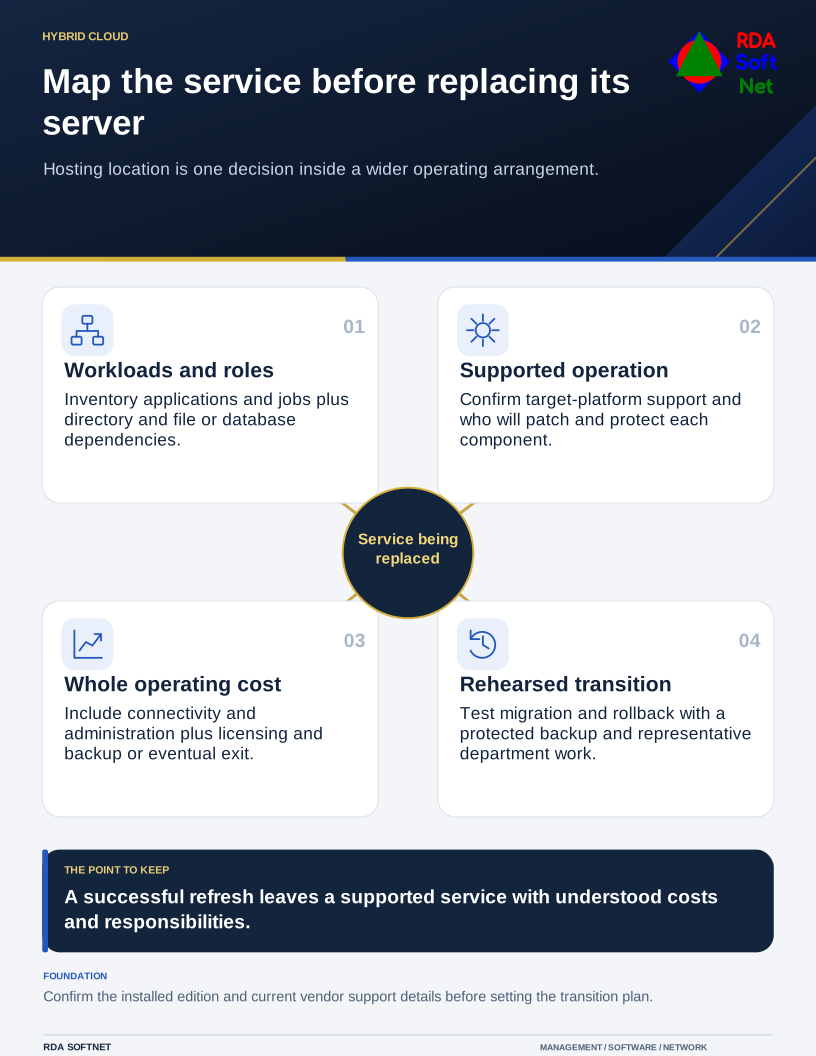
Map the service before replacing its server
Hosting location is one decision inside a wider operating arrangement.
Microsoft's Windows Server 2016 lifecycle page places the end of extended support in January 2027. Confirm the exact lifecycle and any applicable transition options for the installed edition when planning the work. The deadline should inform a service assessment rather than substitute for one.
Find out what the server is doing
Inventory the hosted applications and server roles, with their owners and supporting vendors. Include scheduled jobs, service identities, certificates, database connections, printers, file shares, and anything else that depends on the system. A lightly used server can still be essential at month-end or during an emergency.
Identify directory services and other infrastructure dependencies early. An application move can fail because name resolution, authentication, or a required connection was overlooked. Our directory and server roles guide acknowledges those relationships without treating every server as interchangeable.
Have the application supplier confirm supported target platforms and migration methods. Document information that must be retained and functions that staff will use to verify success. This is also a sensible time to identify an obsolete service that can be retired through an approved process.
Compare complete operating arrangements
A supported on-premises replacement, hosted virtual server, managed application, or combination may be appropriate. Compare recurring costs, administration, connectivity, licensing, backup, and exit requirements alongside the initial project cost.
Moving a virtual machine does not automatically transfer operating system or application maintenance to the host. Microsoft's cloud shared responsibility guidance distinguishes those responsibilities by service model. Record who will patch, monitor, protect, and recover the chosen arrangement.
The planning guide connects the decision with authorization and procurement. Explain the tradeoffs in terms the department can use: what changes, what depends on connectivity, what support remains necessary, and what happens during an outage.
Rehearse the move and the way back
Establish a tested backup and a rollback decision before cutover. Define the maintenance window, communications, acceptance checks, and person authorized to proceed. Where practical, test a representative migration in a separate environment first.
Use backup and recovery planning for the supporting identities, keys, software, and data needed to restore the service. The department should test representative work, not just confirm that the new server boots.
After the transition, verify permissions, integrations, monitoring, and backup coverage. Update operating instructions and have a second support person review the handover. Retire the previous environment only after the required records and recovery arrangements are confirmed.
RDA can coordinate the department, application vendor, and infrastructure providers through those steps. A successful refresh leaves a supported, documented service with understood costs and responsibilities. The location of the server is one part of that outcome.