
A password change is useful, but it does not describe the whole account. The person may also have enrolled authentication methods, active sessions, recovery addresses, delegated permissions, and applications allowed to access information. Protecting credentials means understanding those paths together.
Build account control from the identity source
A central sign-in cannot remove a separate application account it does not control.
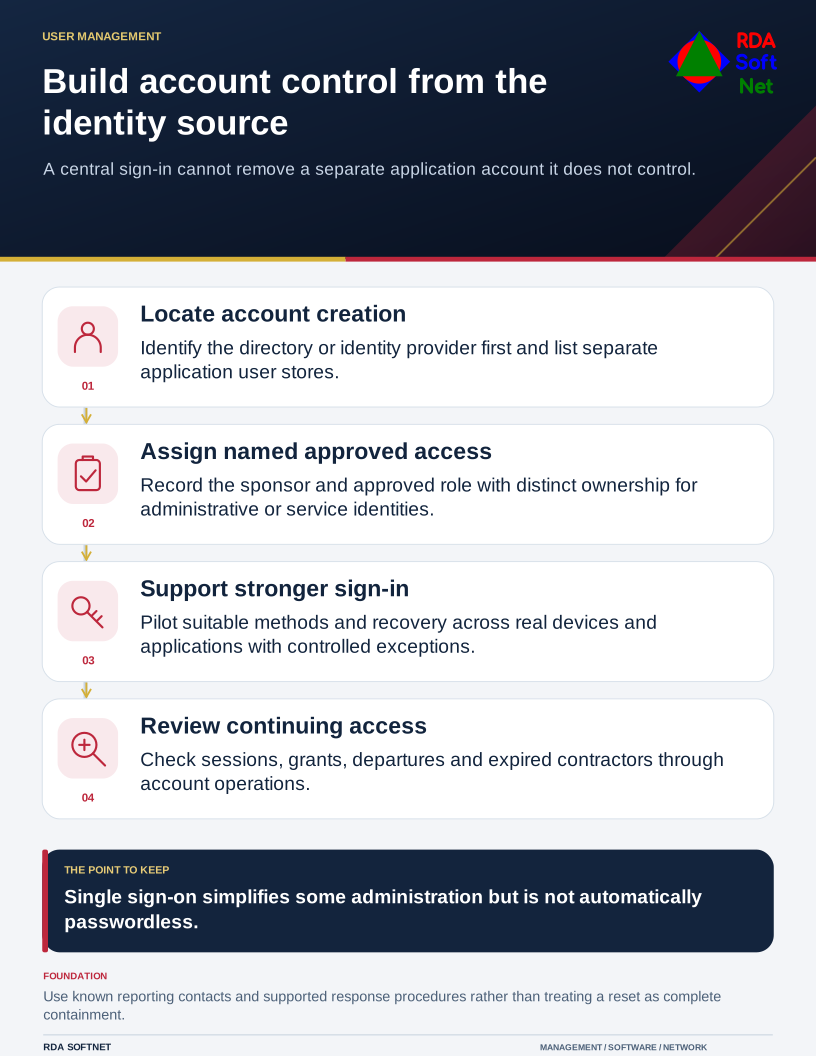
Start by identifying where the user account is created and managed. That might be Active Directory, an LDAP directory, Microsoft Entra ID, or another identity provider. Applications that keep separate local accounts need attention as well. A well-managed central identity cannot remove an account it does not control.
Establish who the account belongs to
Use a named identity for each person wherever the application supports it. Record the manager or sponsor who authorizes access, the role being assigned, and the process for changing it. Staff should reach shared work through their own accounts rather than exchanging a department password.
Our user credentials guide explains that lifecycle. It connects account creation with role changes and departures, including the directory and licensing dependencies that make the process work. Administrative and service identities need their own ownership and controls.
Unique passwords stored in an approved manager reduce reuse across services. Protect the manager itself and make recovery supportable. An organization should not discover during an absence that every important credential can be recovered only through one person's private phone.
Choose stronger sign-in methods deliberately
Enable multifactor authentication and plan a move toward phishing-resistant methods where supported. CISA's phishing-resistant MFA guidance describes FIDO/WebAuthn options. An app-generated one-time code is not equivalent to that protection simply because it comes from an authenticator app.
The passkeys guide covers enrollment, backup methods, and recovery. Pilot those arrangements on the devices and applications people actually use. Include remote workers, shared workstations, and accessibility needs. A strong method with an unmanaged bypass can leave the important risk unresolved.
Single sign-on can simplify account administration, but it is not automatically passwordless and does not remove the need to protect the identity provider. Review administrative privileges and legacy sign-in methods as part of the rollout.
Prepare for a suspicious sign-in
Tell staff how to report an unexpected approval request, a possible fake sign-in page, or an unfamiliar recovery notification. They should not have to decide whether an event is serious enough before reporting it.
Assign someone to investigate alerts and preserve relevant evidence. The response may require blocking access, revoking sessions, checking authentication registrations and application permissions, and examining the device. Follow the incident response process rather than assuming a password reset has removed every route back in.
Review access regularly with the people who understand the work. Confirm that former staff and expired contractors no longer retain access, and that exceptions still have a reason and an owner. This is ordinary account administration done consistently, with enough documentation for a second person to verify it.