
A nearly full laptop often prompts a search for more cloud storage. Before buying another service, check whether the organization already has an approved place for those files and whether the local device is configured to use it appropriately. Another account can add capacity while making ownership and recovery harder.
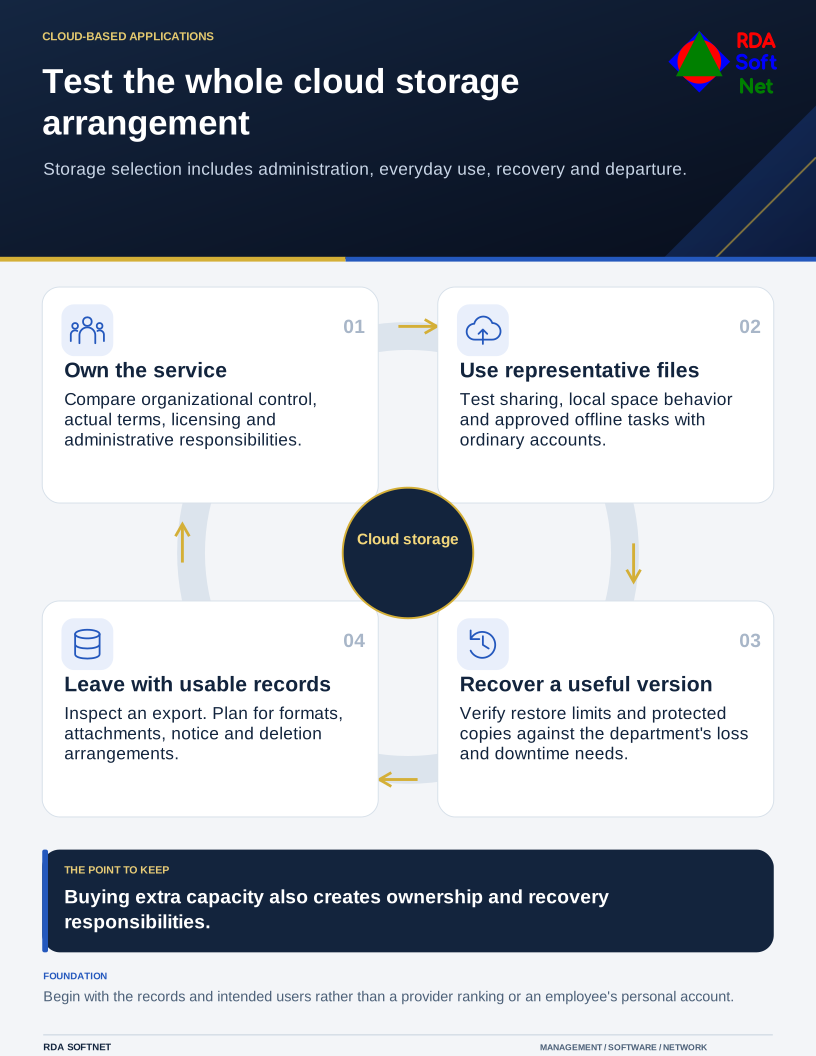
Test the whole cloud storage arrangement
Storage selection includes administration, everyday use, recovery and departure.
The right comparison begins with the work and information. A department library, a person's working files, large media, and an application database can have different requirements. No single provider ranking can settle those choices for every organization.
Compare the operating arrangement
Record who will own the tenant or account, administer users, approve external sharing, and handle departures. Distinguish personal subscriptions from organization-controlled services. A service that is easy to open with an employee's private account may be difficult to hand over later.
Use cloud governance to connect those duties with licensing, support, and renewals. Microsoft's shared responsibility explanation illustrates why provider-managed infrastructure does not remove customer responsibility for data and access.
Compare the actual subscription, configuration, and contract. Consider support, administrative records, sharing options, retention features, location requirements, and integration with the organization's identity system. An advertised encryption feature or compliance statement does not establish that the proposed use meets every applicable obligation.
Test the local and shared working experience
Have users open, edit, share, and recover representative files through approved test accounts. Include external recipients if they are part of the work. Check permissions using both an intended recipient and an account that should not have access.
Cloud storage does not necessarily free device space automatically. Microsoft's Files On-Demand guidance shows how online-only and retained local copies differ. Other products have their own arrangements, which should be tested rather than assumed equivalent.
Identify what must work offline and what depends on connectivity. Confirm application support before moving working data into a synchronized folder. The file collaboration guide helps choose the appropriate home and ownership for the records.
Test recovery and the way out
Compare version history, recycle behavior, retention, and backup arrangements. They solve related but different problems. A service replicating a deletion does not, by itself, establish that an independently protected recovery copy exists.
Use backup and recovery planning to define acceptable loss and restoration. Ask the provider what can be restored, by whom, within which service limits, and under which subscription. Verify a representative recovery rather than relying on a feature label.
Try an export and inspect the result. The cloud exit guide covers useful formats, attachments, permissions, service notice, and deletion arrangements. Include the cost and effort of leaving in the original comparison.
RDA can coordinate that assessment with the department and internal IT. The result should be a service that staff can use and the organization can administer, recover, and eventually replace. Extra space is useful when those responsibilities have a clear home.