
A file can be shared with six colleagues and still depend on one employee's account. That arrangement may work for a working version. It becomes harder to justify when the file is the department's only copy of a procedure, a contract register, or an active project record.
Know where the shared file actually lives
OneDrive and SharePoint can serve different ownership needs.
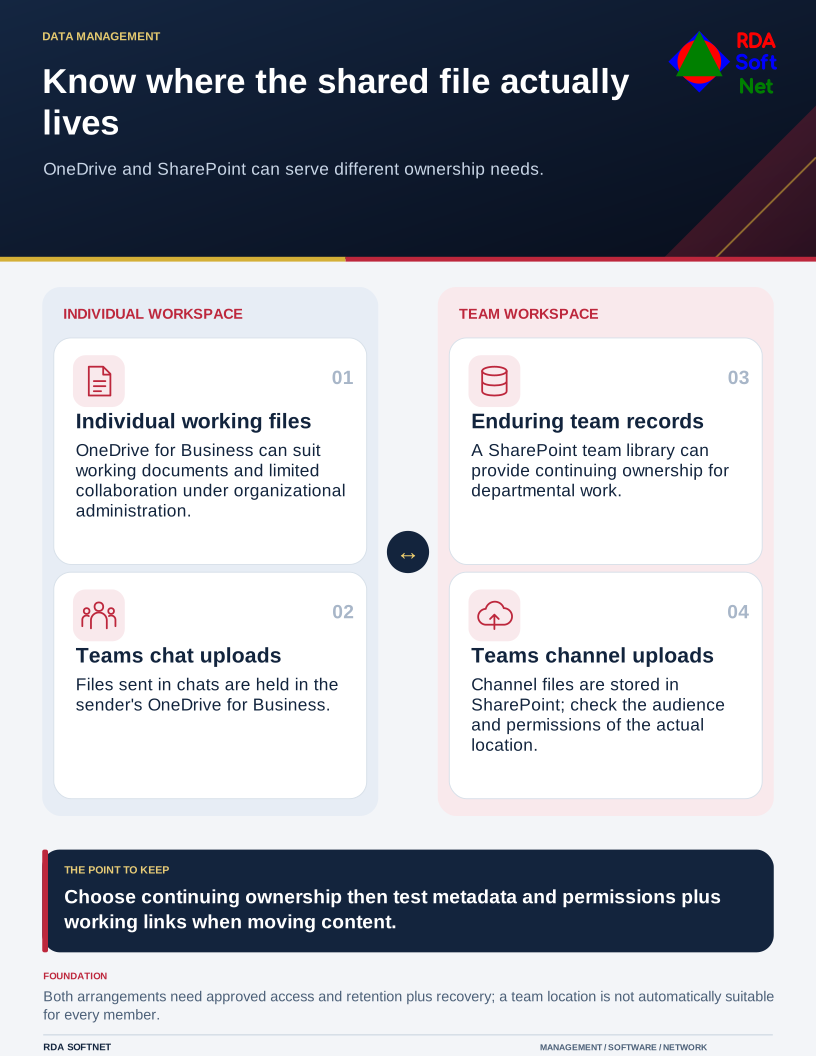
The storage question is therefore about continuing ownership. Who should manage the information when the author changes jobs, takes leave, or leaves the organization?
Choose the home that matches the work
OneDrive can suit an individual's working documents and documents shared for limited collaboration. SharePoint team libraries can suit records the organization expects a team to maintain. Decide the boundary in ordinary terms employees can follow, such as where approved department procedures and active project files belong.
Teams adds an interface, but it does not make every file location equivalent. Microsoft's Teams storage guidance explains that channel uploads are stored in SharePoint, while files sent in chats are stored in the sender's OneDrive for Business. Knowing which conversation was used helps explain who controls the resulting file.
Our file collaboration guide covers those ownership and audience decisions. Avoid assuming that anything in a team location is automatically appropriate for everyone on that team. Sensitive records may require a restricted library or a different approved application.
Move the working process, not just the folder
Before relocating established content, identify the owner and the people who rely on it. Review external recipients, links in procedures, application connections, and any workflow that expects the current location. Ask whether obsolete copies should be retained, archived, or disposed of under an approved schedule.
Test a representative move using the supported method. Confirm the result for metadata, versions, permissions, links, and synchronization rather than assuming every method preserves them identically. Microsoft's file-copy and move guidance describes supported options between OneDrive and SharePoint locations.
Let users verify that they can find and edit the right documents. Update instructions and links at the same time. Leaving both locations active without an owner or clear cutover date creates two competing versions of the truth.
Keep access and recovery in the routine
Use groups and a clear sharing process where suitable, with owners who review membership. A broad link may solve an immediate request while introducing an audience nobody intended. The data governance process should define which information can be shared externally and who may approve it.
Account departures need a deliberate check of individual storage, including needed records and retention obligations. Moving future shared work into a team location reduces reliance on one person; it does not remove the need to handle that person's existing information properly.
Finally, verify how the organization will recover important documents and the surrounding service. Version history and recycle bins can be useful, but retention and recovery features have defined scopes and limits. Review them with the backup plan.
Finish with a practical handover check. Ask another authorized colleague to locate the authoritative procedure, open the current project file, and identify who can approve a new recipient. If those answers still depend on the author's memory, the filing arrangement needs another pass.