
Permanent local administrator rights are sometimes retained because a person occasionally needs to install an update or use a specialist application. The occasional task may be legitimate. Keeping permanent administrator membership also lets the person approve elevation for other software, depending on policy. That continuing authority deserves a separate decision. Windows normally starts applications with a filtered token until elevation is approved; Microsoft explains the UAC behavior.
Separate ordinary work from occasional elevation
Removing standing privilege needs a usable support arrangement.
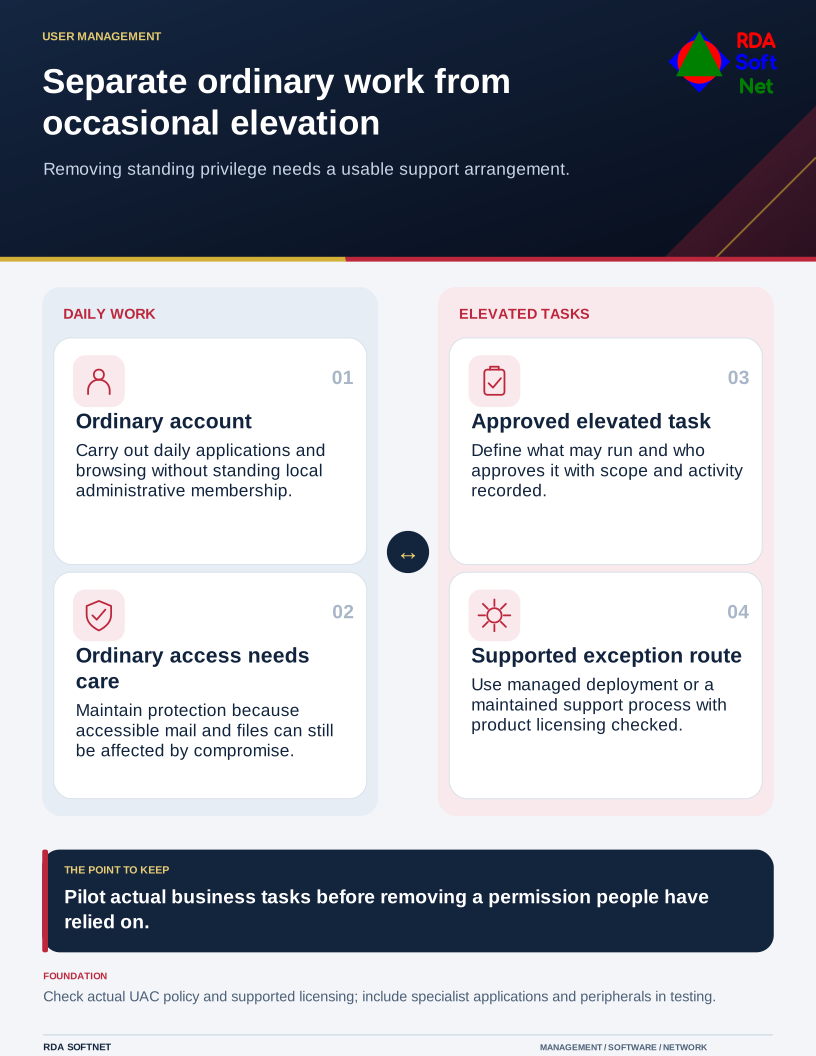
The useful question is how to support necessary tasks with less standing privilege. That requires understanding the work, preparing an alternative, and checking the result. Simply removing rights without arranging support can produce avoidable interruptions and pressure to reverse the change.
Find the tasks that need elevation
Review local administrator membership and the reasons for it. Ask staff and application providers which tasks require elevated access and verify those requirements. A program may have been installed with unnecessary permissions, or its support instructions may reflect an older version.
Include specialized equipment, software deployment, updates, and support tools in the review. The privileged access guide helps distinguish administrative work from everyday application use. Separate administrative identities are appropriate for staff who need them; they should not become the identity used for browsing and routine email.
Microsoft's standard-user transition tutorial begins with observing elevation needs and building rules before removing local administrator rights. That sequence supports a planned rollout rather than assumptions about what people ought to need.
Provide a controlled route for the exceptions
Deploy approved applications centrally where possible. For genuinely exceptional tasks, define who approves elevation, what may run, its scope, and how the action is recorded. Some environments will use an elevation-management product; others may need an established support process.
Confirm product capability and licensing before committing to an arrangement. Microsoft's Endpoint Privilege Management FAQ explains that its feature requires specific licensing. The organization also needs people to maintain rules and answer requests; software alone does not settle the operating responsibility.
Use the change planning guide to pilot the new arrangement. Test normal work and the tasks known to require elevation. Give users clear instructions and a verified support route. Record a time-limited exception if an unresolved application prevents immediate conversion.
Keep the risk claims realistic
Standard accounts limit certain system-level changes, but they do not eliminate malware, phishing, or harm to information the user can already edit. A compromised standard account may still expose mail, browser sessions, and shared files within its permissions.
Maintain endpoint protection and updates alongside access changes. Investigate unusual elevation attempts and review approved rules through security operations. A rule that allows a powerful scripting tool too broadly can reintroduce much of the authority the project intended to reduce.
Review support experience after the pilot. Look for failed business tasks, recurring elevation requests, and unauthorized configuration changes. RDA helps the computer department turn those findings into a supportable baseline. The goal is controlled administrative work with evidence, not a promise that one permission change will eliminate support tickets.