
A managed laptop may work perfectly in a cafe while the task on its screen is unsuitable for that setting. A confidential call, an open personnel record, or a device left on a table can create a problem that a secure connection will not solve.
Plan the task around the place
A protected connection still needs a suitable device and a suitable setting.
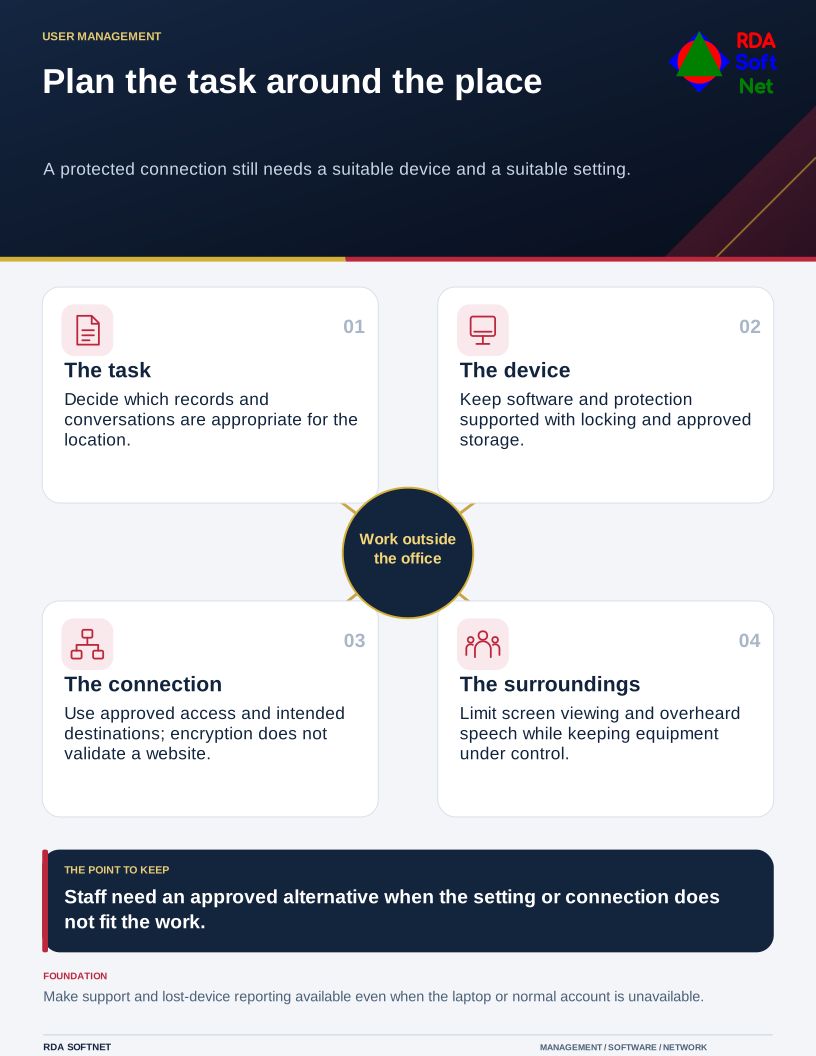
Remote work arrangements should describe which tasks can be done from different locations and what conditions apply. Give staff a practical approved option when the work needs privacy or the connection is unreliable, rather than leaving them to improvise.
Prepare the device and access
Use the organization's approved device and access arrangement. Confirm supported software, updates, endpoint protection, screen locking, and storage protection. Establish how required information is accessed without copying it into personal accounts or unmanaged storage.
NIST's telework and remote access guidance addresses security across remote access components, including client devices. Our remote work guide translates those considerations into responsibilities for staff, managers, and the computer department.
Select remote access controls for the service involved. A managed VPN or another approved access method may be needed for particular resources. Explain when it is required and how to obtain support. A VPN does not make an unmanaged laptop suitable for sensitive work or validate a fraudulent website.
Understand what the connection protects
Avoid the outdated assumption that anyone on public Wi-Fi can automatically read every password and email. The FTC explains the protection provided by encrypted web connections in its public Wi-Fi guidance. Encryption still does not establish that the destination is legitimate.
Staff should use the intended network, heed certificate warnings, and avoid installing software merely because a welcome page demands it. Provide an approved alternative, such as a managed mobile connection, where appropriate. Teach the steps people should take when something looks wrong instead of expecting them to diagnose a network attack.
The endpoint security guide covers the device controls that remain necessary regardless of connection. Strong sign-in and an approved recovery process matter outside the office just as they do inside it.
Include the room around the laptop
Choose seating and screen placement that limit casual viewing, and use a privacy screen when suitable. Consider whether conversations can be overheard. Headphones protect the other side of a call from the room; they do not conceal the employee's own words.
Keep equipment under control and lock it when stepping away. Do not leave it with a stranger or assume a familiar public venue provides the same physical controls as the office. Follow the organization's arrangements for transport and overnight storage.
Make the reporting route available without the laptop. A lost device, suspicious sign-in, or unexpected request for access should reach the right support contact promptly. Managers should know how work continues if access is suspended while an issue is investigated. The aim is a workable arrangement: staff know where they can perform the task, what support is available, and when they need a more suitable setting.