
An attractive sale price can move a technology purchase ahead of the questions that matter. Will the computer run the department's applications? Can IT manage and recover it? Who handles a failure when the employee needs it for work?
Compare the box with the working setup
A sale specification cannot answer every question about organizational fit.
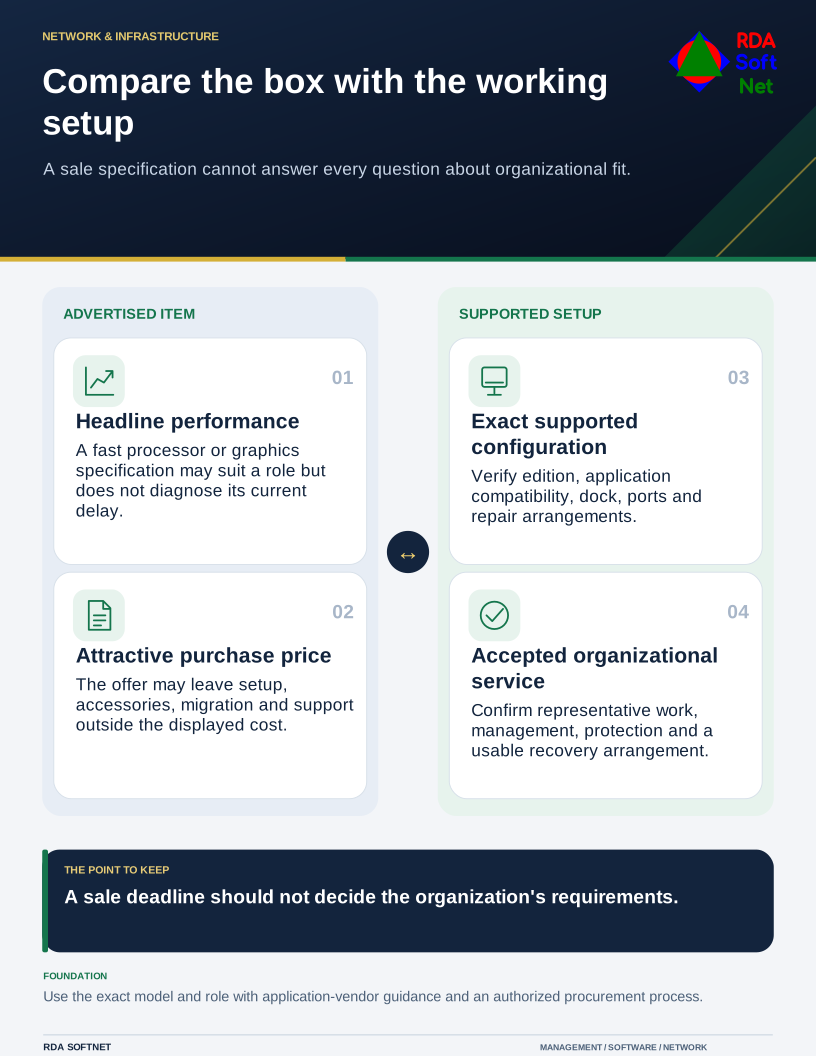
Equipment sold for gaming or home use is not automatically unsuitable for an organization. Some roles need capable graphics hardware or a larger display. The mistake is treating a performance specification as proof that the complete system fits the job.
Describe the workload before comparing models
Ask the user to demonstrate a normal working day and the task that causes difficulty. A slow application might be waiting on a remote database, internet connection, or oversized file. Replacing a laptop with a faster model will not necessarily solve that problem.
For design, mapping, video, or engineering work, check the application vendor's supported hardware and operating systems. Include the monitors, dock, cables, ports, and power arrangements. A device that performs well on its own may behave differently when connected to the desk setup staff use every day.
Our planning and procurement guide puts those requirements into an approval process. It helps compare an agreed need with the complete purchase, rather than comparing one advertised specification across unrelated products.
Check the things the advertisement leaves out
Confirm the exact operating system edition, warranty terms, repair arrangements, driver support, and management capabilities on the proposed model. Product families can include different configurations, so review the specific item being purchased.
Microsoft's Windows business edition comparison illustrates why edition matters for organizational management features. Do not assume that a powerful consumer computer includes the same business capabilities as the existing fleet.
Consider availability of replacements and accessories. A department supported with a small number of standard configurations is usually easier to maintain than a collection of isolated bargains. Exceptions can make sense when a particular workload justifies them and the support plan is clear.
The same reasoning applies to peripherals. Test a headset with the actual calling application, a monitor with the user's scaling needs, and a keyboard with the person who will use it. Comfort and accessibility deserve direct assessment rather than promises on the packaging.
Buy the working life, not just the box
Allow for setup, application installation, data migration, security tools, user handover, spare equipment, and eventual disposal. Record the asset and its owner when it arrives. Retain the receipt and support details where the computer department can find them.
The asset lifecycle guide covers those responsibilities from introduction through retirement. If the equipment will travel, include the remote work arrangements before it leaves the office.
A useful acceptance check is simple: the user completes representative work on the prepared device, and IT confirms that management, protection, and recovery arrangements are in place. A discount is worthwhile when the resulting setup is supportable and meets the need. The sale deadline should not make that decision for the organization.