
A flow that saves an attachment or sends an approval can remove repetitive work. It can also move information to the wrong place repeatedly, or stop quietly when its owner's account changes. The difference lies in the decisions around the flow as much as the steps inside it.
Build the unsuccessful run into the flow
Permissions and failure behavior matter as much as the successful sequence.
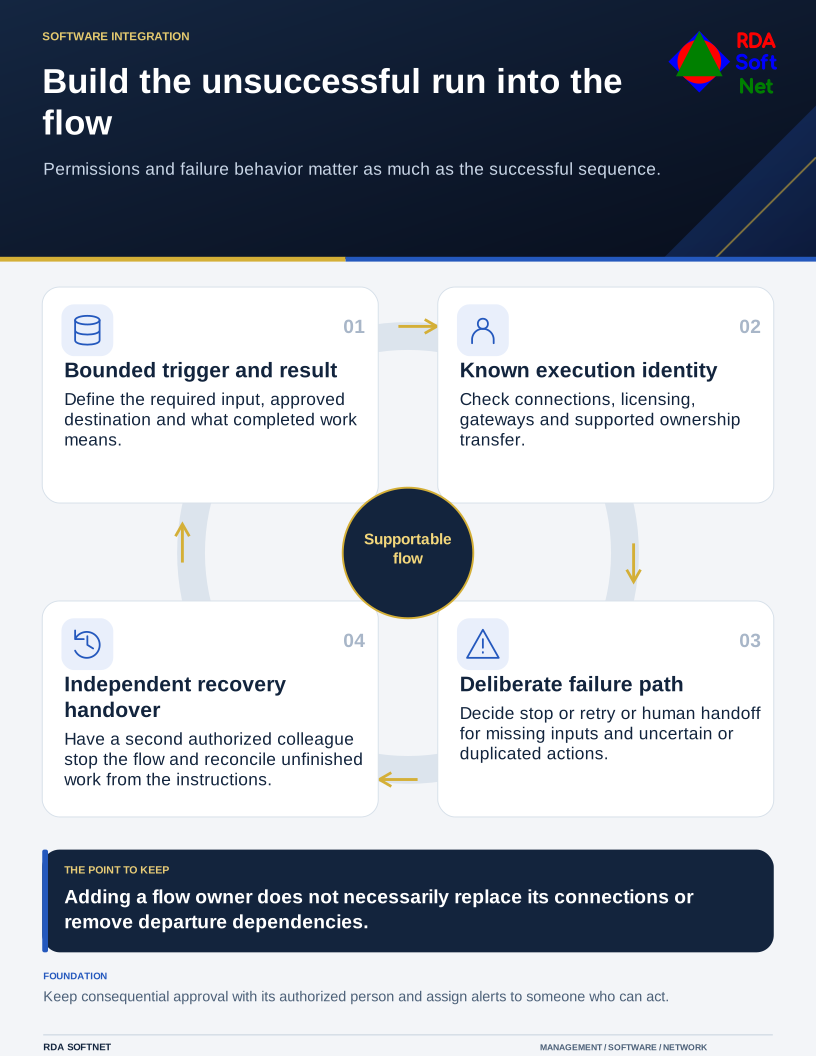
Begin with a process someone can describe without opening the designer: what starts the work, what information is required, who may approve it, and what a completed result means.
Choose a bounded process
Use a low-consequence task with a known owner for the first implementation. A reminder or working version task is easier to evaluate than a workflow that releases money or changes access. Keep consequential approvals visible to the person responsible for the decision.
Document the data source and destination. Ask whether attachments, form submissions, and comments may contain sensitive information. Apply the data governance rules before adding a connector that can copy those records elsewhere.
The automation guide links those business decisions with testing and rollback. A prebuilt template can help implement a process, but it does not prove the process is authorized, accurate, or suitable for the organization's information.
Know which identity does the work
Review connection permissions separately from the flow's name and description. Limit access to the function required, and confirm supported identity arrangements and licensing. An individual employee's working account should not become an undocumented dependency for a departmental service.
Microsoft's flow ownership guidance distinguishes ownership-change procedures for different flow arrangements. Do not assume that adding another owner automatically replaces every connection or resolves a departure. Test the connections and the supported transfer procedure.
Use the application integration review to record the owner, services, permissions, and removal process. Include gateways or local machines where the design needs them. A cloud flow can still depend on an on-site component.
Design the unsuccessful run
Test a missing field, duplicate request, unavailable service, expired connection, and rejected approval. Decide whether the flow should stop, retry, or return the work to a person. A retry can create duplicate records if the prior action succeeded but its acknowledgment was lost.
Microsoft's error-handling guidance describes failure paths, retries, termination, and notification. Select the behavior deliberately and keep alerts proportionate. An inbox flooded with unimportant notices can obscure the one failure that needs attention.
Keep useful activity evidence while protecting the information in it. Support should be able to identify the request, approval, action, and failure without exposing unnecessary records to a broad audience.
Before wider use, have the department verify representative results and have a second authorized colleague operate the recovery procedure. Document how to stop the flow and reconcile unfinished work. Give future changes an approval and test route.
Make that handover part of implementation, with time reserved for the second colleague to test it. The process should remain understandable when the original builder takes leave, changes roles, or leaves the organization.