
A work app on a phone brings together two sets of decisions: what the application may do and how the device is managed. An approved app can still be used through the wrong account or on unsuitable equipment. A well-managed phone can still disclose information through an over-permitted app.
Two permission boundaries on a phone
A mobile app can have device access and connected-account access that need separate review.
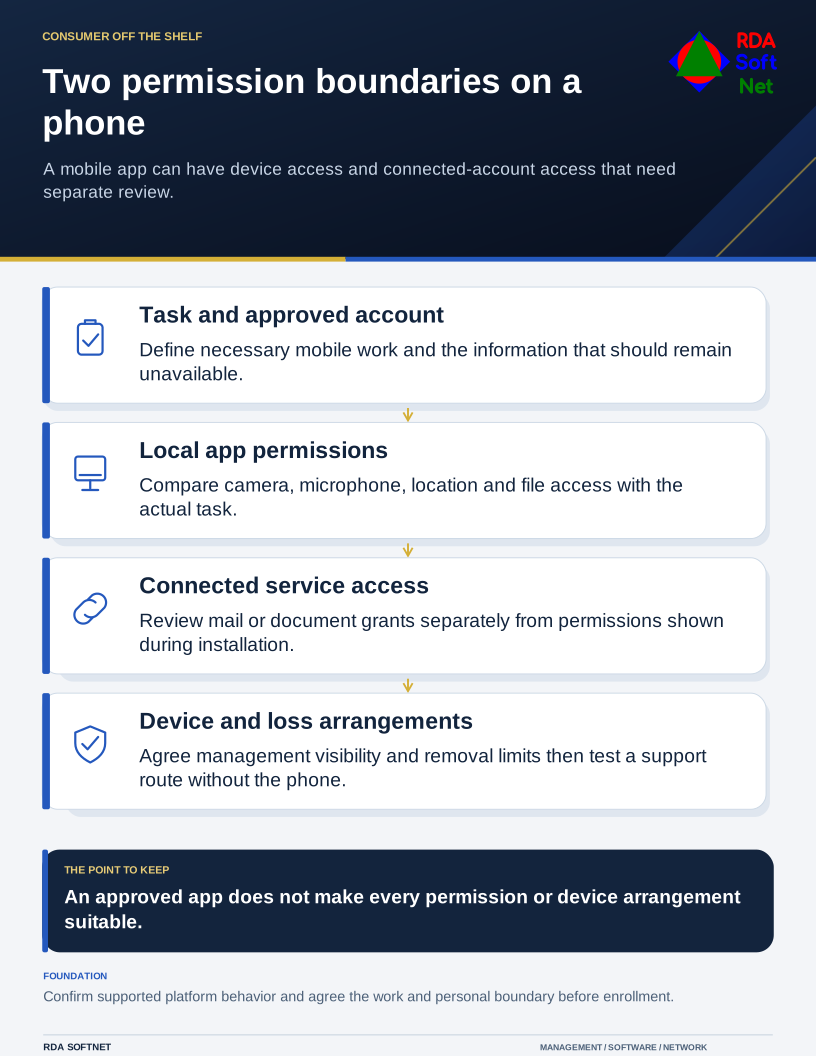
Start with the task and the information involved. Ask whether mobile access is necessary, what staff need to read or change, and what should remain unavailable from that device. The answer should fit the role rather than assume every application must be available everywhere.
Confirm the source, then inspect the permissions
Use the organization's approved distribution method and verify the publisher and exact application. A public store review and positive ratings are useful signals, not a guarantee that a particular app meets organizational requirements.
Keep supported platform protections active and respond to warnings through the approved support process. Those protections complement product review and management; they do not establish that every requested use of business information is appropriate. A clean installation result also does not answer whether the app's service terms permit the proposed records.
Compare requested camera, microphone, location, contacts, file, and notification access with the stated task. Google's Android permission guidance explains available permission controls. Platform and application behavior differ, so test the arrangement on supported devices rather than copying instructions between systems.
The application integration guide covers connections to mail, files, or other services. Local device permissions and cloud account permissions may both need review even when installation presents them as one quick process.
Set the work and personal boundary
For personal devices, agree permitted data, administrative visibility, support, and removal arrangements before enrollment. Do not casually authorize wiping an entire personal phone to solve a work account problem. Staff should understand the controls and their limits.
Use the remote work guide for those responsibilities. NIST's mobile device management guidance addresses organization-provided and personally owned mobile devices throughout their lifecycle.
Maintain supported operating systems and app updates. Require suitable screen locking and authentication, and decide how sensitive notifications appear on a locked screen. An app's face or fingerprint prompt does not replace the wider account recovery and access process.
Plan loss, departure, and changed permissions
Provide a verified route for reporting a lost phone, suspicious prompt, or unintended upload. Support needs to know how to restrict access and handle sessions or downloaded information through incident response.
Review new permissions and major feature changes rather than assuming the original approval covers all future behavior. Remove access and transfer required work through offboarding when a person leaves or changes roles.
At acceptance, run an ordinary task, check an intended access restriction, and walk through a lost-device scenario. Have the employee locate the support instructions without relying on the phone being tested. Record any exception and who will resolve it. The information and authority traveling with the device should be clear to both the user and support.