
A used laptop reaches the Windows desktop and the applications open. That establishes something about its present condition. It does not establish that the seller was entitled to sell it, that the included software can be used by your organization, or that another organization has released its management claim.
Four checks before accepting used IT
A working desktop proves neither transfer rights nor release from a previous deployment.
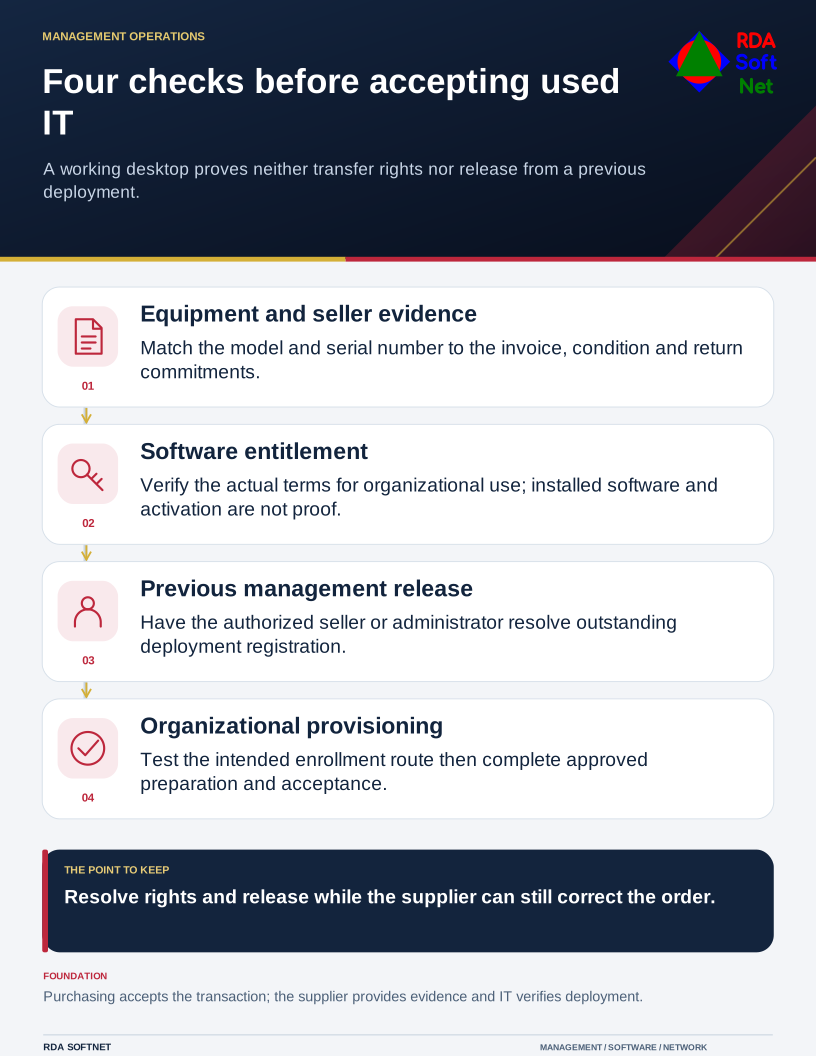
Resolve those questions while the seller can still correct the order. A low price is difficult to assess when the cost of a valid operating system, application subscriptions or release from a previous deployment remains unknown.
Match the paperwork to the equipment
Ask for a written description of the exact model, serial number, condition and included items. Retain the seller's identity, invoice, warranty and agreed return arrangements. For a batch, reconcile the received serial numbers against the order rather than treating one description as evidence for every machine.
Ask the seller to confirm its authority to transfer the equipment and resolve any remaining lease, ownership or management restriction. A receipt records a transaction; it does not independently settle a disputed ownership history. Unclear answers need resolution through the purchasing owner before acceptance.
Keep these records with the asset lifecycle record. Agree who contacts the supplier, who can accept a shortfall and when the decision must be made. Include these conditions in the approved purchase requirements, especially where staff need the equipment by a fixed date.
Check the software separately
List the operating system edition and each application the purchase is supposed to include. Ask what entitlement supports organizational use and which documents or account arrangements transfer with it. Installed software, a product key and a continuing subscription are different things.
Microsoft's Windows license terms distinguish preinstalled and stand-alone software transfers, with conditions and regional exceptions. They also state that successful activation does not confirm proper licensing. Volume-license arrangements use their own agreement. Check the terms governing the particular purchase rather than applying one transfer rule to every Windows device.
Other publishers have their own terms. Confirm any required reassignment, account ownership or commercial-use rights with the appropriate supplier or licensing adviser. If rights cannot be established, price an authorized replacement entitlement or reconsider the purchase. Do not count the previous owner's application account as an included asset.
Confirm release before deployment
Ask whether the equipment remains associated with a previous organization's deployment or management service. Microsoft's Autopilot registration guidance calls for deregistration when a device permanently leaves an organization. A disk reset should not be accepted as evidence that this separate registration has been removed.
Have the seller or authorized previous administrator resolve an outstanding registration through the supported process. Do not treat bypassing a setup screen as a satisfactory handover. Test the organization's intended provisioning route before accepting the device for normal work.
Once the rights and release are clear, follow the managed endpoint preparation process: approved installation, updates, protection, configuration and user acceptance. Keep product keys and recovery secrets in their controlled location rather than attaching them to general purchasing notes.
The purchasing owner approves the transaction, the supplier supplies the agreed evidence, and IT verifies the deployment. Close acceptance only when those records describe the device actually delivered and any remaining condition has an authorized decision.