
A smart light and a work laptop may share the same household internet connection without needing access to each other. Adding a home hub, camera, or voice assistant should not quietly change how the organization protects its information.
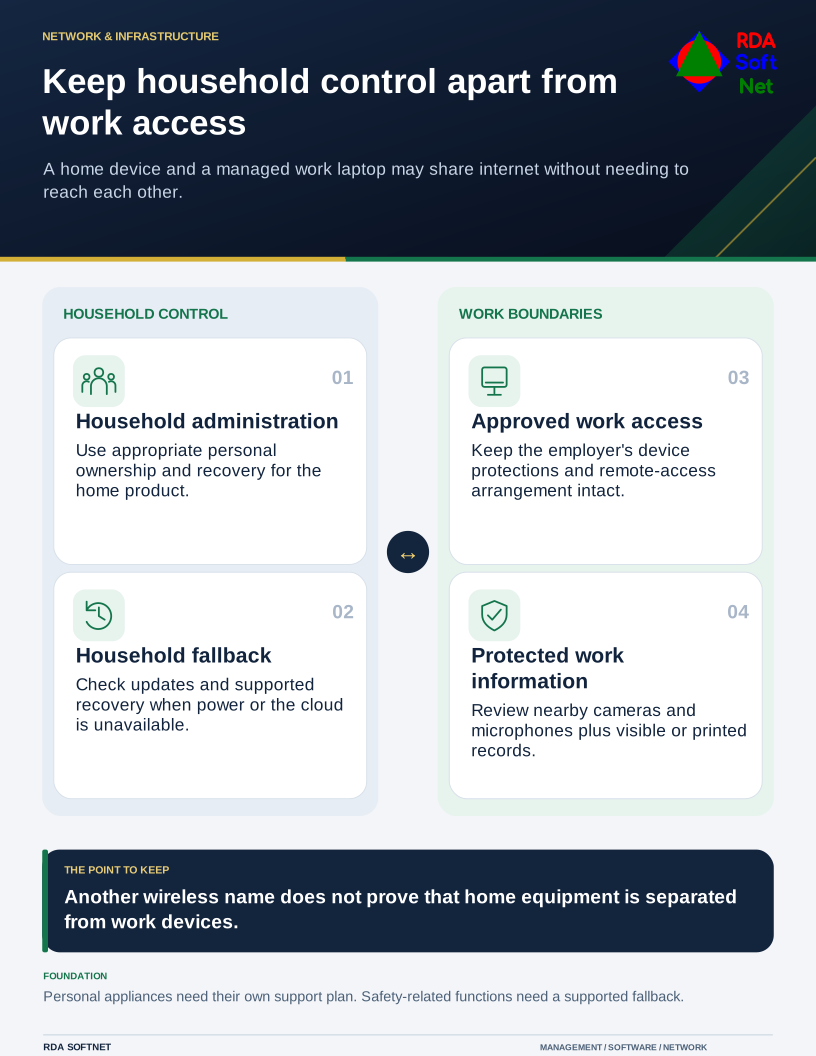
Keep household control apart from work access
A home device and a managed work laptop may share internet without needing to reach each other.
Start with what the household wants the device to do. Check the complete arrangement, including the app, controlling account, hub, cloud service, and wireless requirements. A compatibility logo is useful information, but it is not a complete maintenance or privacy plan.
Make the home arrangement understandable
NIST's consumer IoT profile considers the capabilities of the whole connected product and can inform purchasing questions. Ask how the product receives updates, how long it is supported, what information it collects, and how it can be reset or transferred.
Use an account and recovery method controlled by an appropriate household member. Avoid tying a personal home installation to an employer's email address or business subscription. A change in employment should not strand the household's locks, lighting, or support access.
Check who can administer devices and who only needs ordinary use. Guests, children, household members, and an installation provider may need different permissions. Use supported access controls instead of distributing a single administrator password to everyone.
Our connected-device guide explains the inventory, account, support, and retirement questions that also apply when connected equipment appears at a workplace.
Plan the network and the room
Review the router's supported configuration and updates. Where appropriate, separate connected home equipment from work devices and test the intended access. A second wireless name alone does not prove separation; the underlying routing and firewall behavior matter.
The network segmentation guide describes those boundaries. Keep changes supportable and coordinate with the organization's approved remote access arrangement. Do not disable a managed laptop's protection or open an inbound connection simply to make a household feature work.
Consider the information captured in the room. A voice assistant, camera, or shared display may be inappropriate near a confidential call or visible work document. Review placement, microphone and recording behavior, and access to resulting information rather than assuming a familiar consumer device provides a private work setting.
Try an outage and a change of owner
Determine what continues to operate when internet, a cloud service, or power is unavailable. Safety-related functions and locks need an appropriate supported fallback. Test ordinary recovery without improvising changes that could create a physical hazard.
Document how to reconnect or reset the product and where help comes from. When a device is sold, returned, or replaced, remove household and provider access, preserve any needed records, and follow its supported preparation process.
Keep the employer's responsibilities separate from household administration. The remote work guide covers the approved work device, information, support, and reporting arrangements. Staff should know how to get help when home connectivity affects work, without assuming the organization's support agreement includes every personal appliance.
A useful smart-home setup is one the household can operate and recover, while work remains within its approved boundaries. Choose a small, supportable arrangement before adding routines that make several essential functions depend on one controller.