
A connected thermostat or camera may be purchased by facilities, installed by a specialist, and then left using the organization's network. The department that bought it and the people maintaining the network need a shared account of who supports it.
Put the device inside the support plan
A camera or controller can depend on facilities and a vendor as well as the network team.
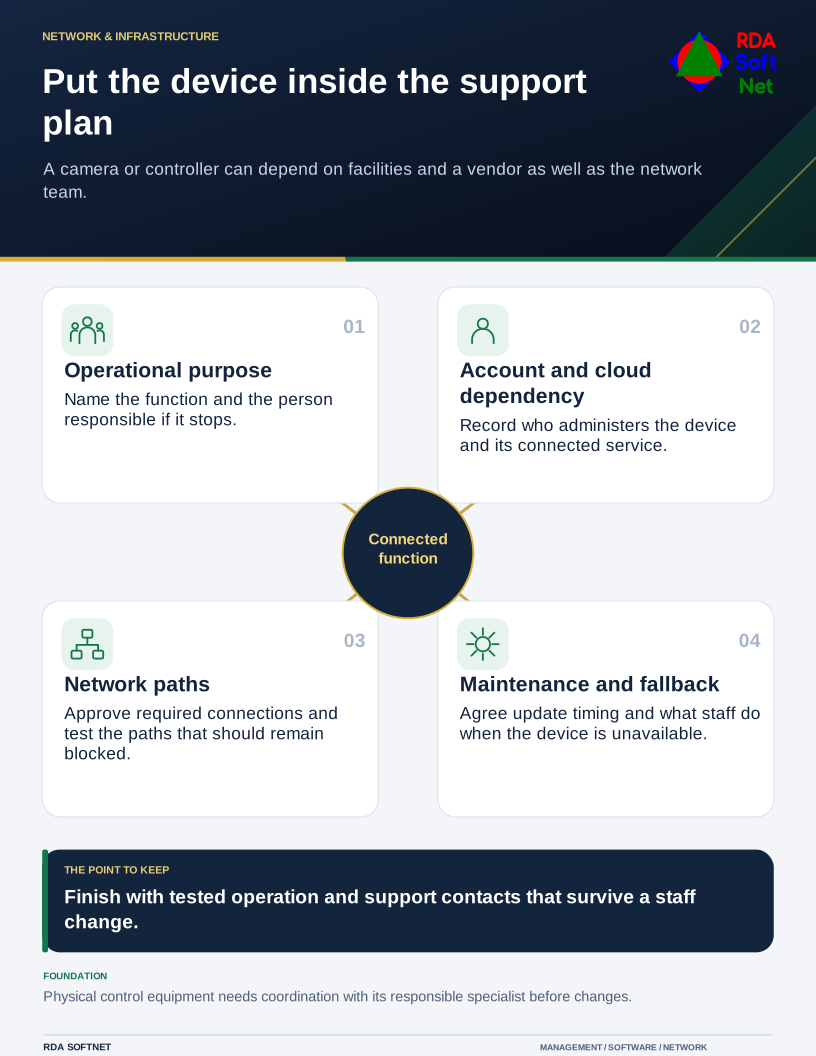
Record the device's purpose, location, model, owner, management account, cloud dependency, update method, and expected support life. Include the provider's access and the information the device collects. Avoid placing credentials in a general inventory; keep a reference to their controlled location.
Ask support questions before installation
Can the device receive updates? Can default credentials be changed? Can access be restricted and useful security events retrieved? NIST's IoT capability catalog provides a structured starting point for these questions. It is a reference for selecting suitable capabilities, not a product approval or a guarantee.
Agree the required connections with the installer and network administrator. Use network separation appropriate to the device and its role, then test the allowed and blocked paths. A different wireless name alone does not establish that separation is enforced.
For equipment affecting doors, alarms, environmental conditions, or other physical functions, involve the responsible specialist before changing access or installing an update. Record a safe maintenance window and what staff should do when the device or its cloud service is unavailable.
Finish with a handover
Verify normal operation, remote-support access, notification delivery, and the agreed fallback. Leave the responsible staff with provider contacts and an understandable support procedure. The network team also needs notice before a replacement is connected or a supplier changes its requirements.
Add the device to lifecycle planning. Review ownership and support at renewal or replacement, including the steps to remove stored information, retire cloud accounts, and revoke the installer's access.