
Email security reaches beyond the person reading a message. The identity administrator controls sign-in, the DNS administrator controls important domain records, application providers send automated mail, and staff decide what information to send. A useful review brings those responsibilities together.
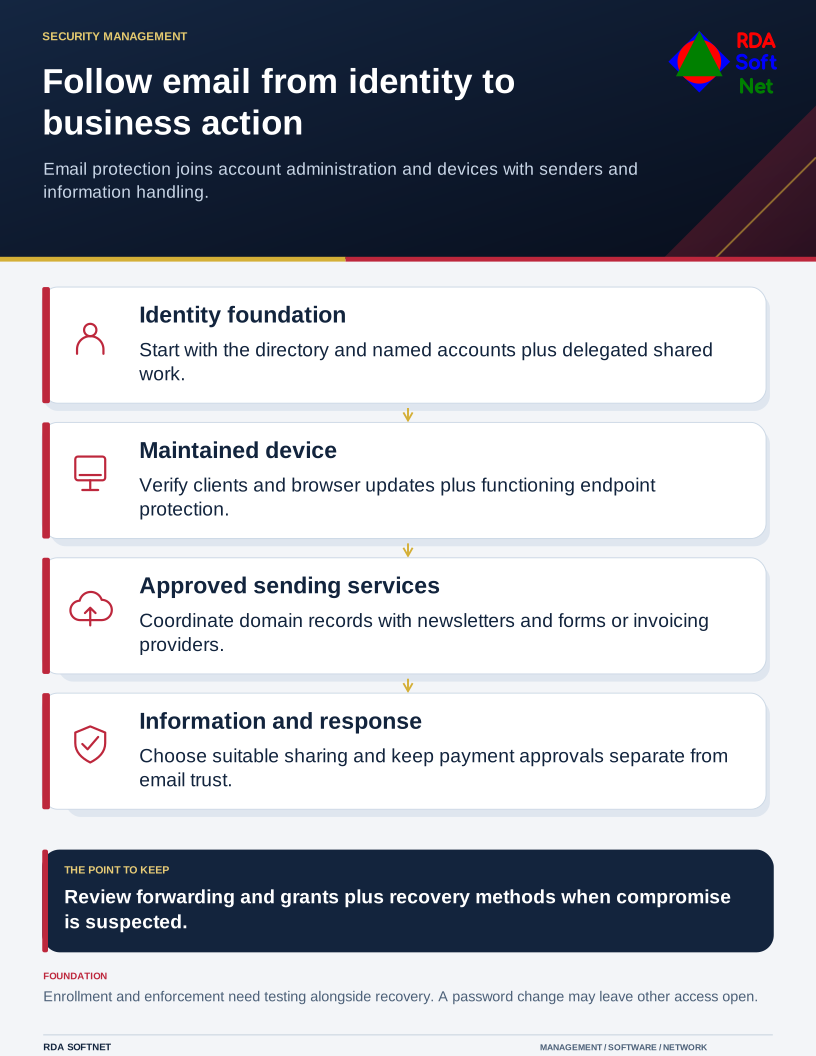
Follow email from identity to business action
Email protection joins account administration and devices with senders and information handling.
Choose a real workflow to examine, such as receiving an invoice or sending a personnel document. Follow it from the sender through the mailbox, device, and resulting action. This reveals gaps that a list of enabled features can miss.
Start with the identity and the device
Confirm that each person has an authorized account, appropriate access, and a supported recovery arrangement. Shared work should use an approved delegated mailbox where possible. A department address should not require everyone to know the same password.
The credential management guide starts with the directory or identity provider behind account creation. Check applications with separate credentials as well. A central account cannot govern an email tool that was never connected to it.
Use suitable multifactor authentication and plan stronger supported methods. CISA's phishing-resistant MFA guidance distinguishes FIDO/WebAuthn methods from protections that still depend on entering a code. Enrollment, enforcement, and account recovery all need attention.
Maintain the email client, browser, operating system, and endpoint protection. Someone should investigate failed updates or missing protection, including devices used away from the office. Staff need a clear support route when a security change interferes with legitimate work.
Check sending and information handling
Inventory the services permitted to send using the organization's domain. A newsletter platform, website form, or invoicing application can require coordination with its provider. The email security guide connects those senders with SPF, DKIM, DMARC, and controlled DNS changes.
Decide how sensitive material should be shared. An encrypted connection between mail systems is a different arrangement from protecting a message so that only an authorized recipient can open it. Choose the method for the information and verify the recipient's experience. The encryption guide explains those boundaries and recovery responsibilities.
A message being authenticated or scanned does not authorize a financial transaction. Preserve the separate approval process for changed bank details, confidential information requests, and unusual access instructions.
Assign the response before it is needed
Tell staff how to report a suspicious message or an unexpected authentication prompt, even if they already acted. The recipient of that report needs a procedure for preserving evidence, assessing exposure, and reaching someone authorized to respond.
Review forwarding, delegated permissions, application grants, recovery methods, and active access when compromise is suspected. Changing a password can be one action without being the complete response. Follow the incident process and coordinate any business follow-up.
Finish the review with an owner for each gap and a check that demonstrates completion. Email protection becomes more dependable when the organization can explain who maintains each part and what happens when one of those parts fails.