
Employees should not have to prove that a message is malicious before asking for help. A useful awareness program makes it clear what to do when something is unusual, including when someone has already clicked, entered a password, or approved a prompt.
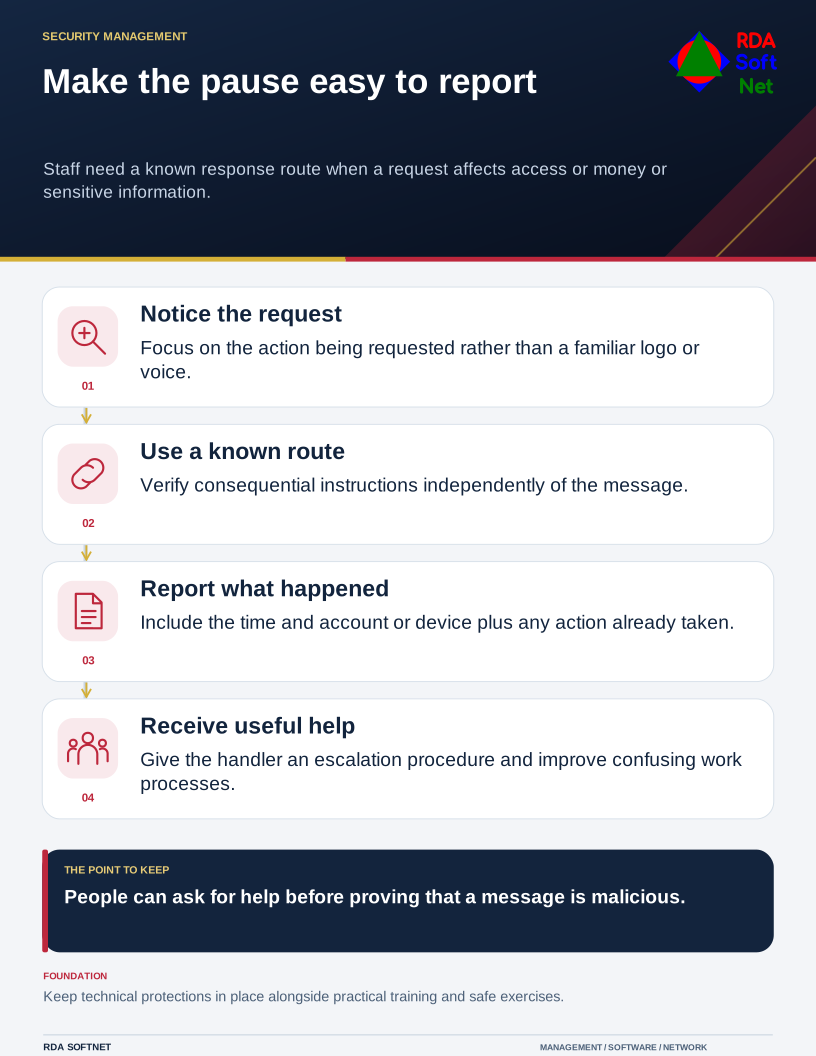
Make the pause easy to report
Staff need a known response route when a request affects access or money or sensitive information.
Teach the point at which to pause
Focus on requests that change access, money, sensitive information, or normal procedure. A polished message, familiar logo, search advertisement, QR code, or convincing voice can still direct the person to an attacker’s destination. Verify consequential requests through an independently established route.
The FBI’s business email compromise guidance describes impersonation and the importance of checking payment changes. Apply the same discipline to other unusual requests without asking staff to rely only on spelling mistakes or the sender’s display name.
Practice a useful report
Give people the reporting button, phone number, or alternative channel they should use. Explain what information helps: the original message where safe to provide, the time, what action was taken, and the device or account involved. Tell staff not to forward suspicious attachments broadly or continue experimenting with a questionable site.
Coordinate the response with incident handling. The person receiving the report needs a procedure, not just a mailbox. A prompt, neutral response makes the next person more likely to report an error before it becomes a larger incident.
Build training around actual purchasing, onboarding, remote work, and account-recovery tasks. Use short refreshers and safe exercises to see whether the process is understandable. Review recurring reports in the service review, then fix confusing procedures or controls as well as knowledge gaps. Maintain the technical protections alongside the training.