
Searching for a bank, software download, or support number is an ordinary task. It can also place an unfamiliar intermediary between the employee and the organization they intended to reach.
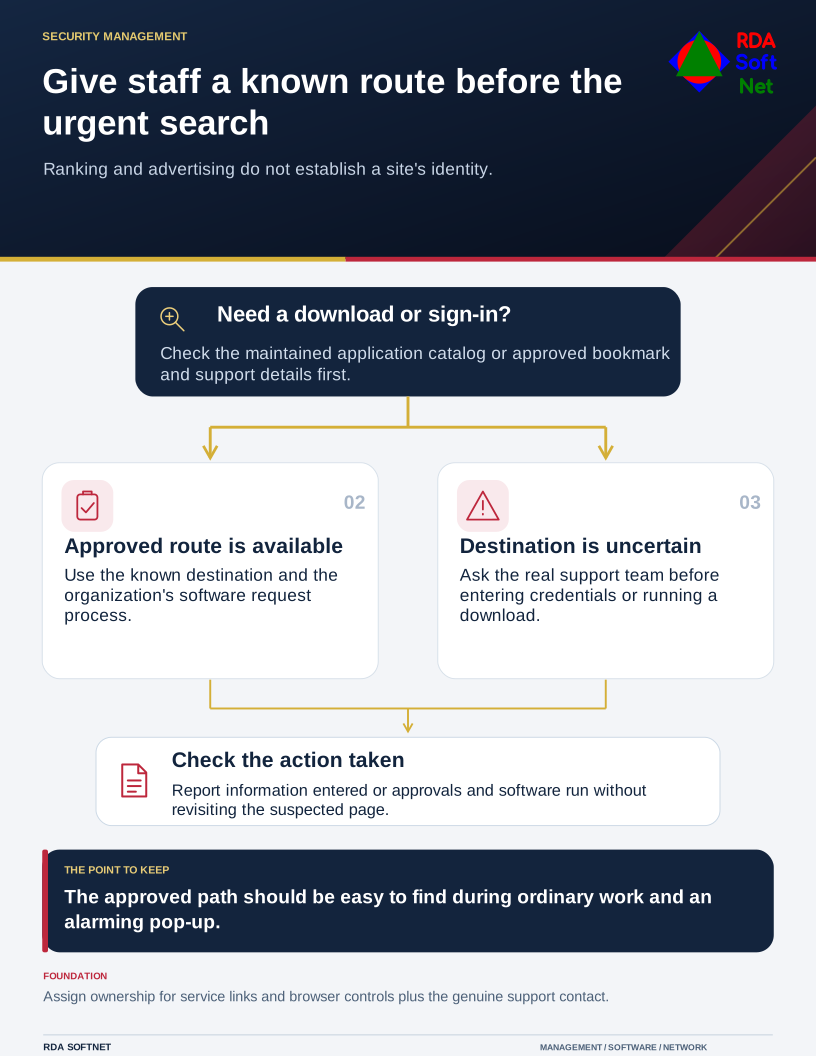
Give staff a known route before the urgent search
Ranking and advertising do not establish a site's identity.
The first result is not proof of identity. Neither is a familiar brand name in an advertisement or a polished copy of a sign-in page. Scammers can imitate those cues, and a search started by the employee can feel more trustworthy than an unexpected email even when the destination is false.
Provide the route before there is a problem
The FBI has warned about criminals buying search advertisements to impersonate brands, directing people to malicious downloads and sites that steal information. That is a reason to treat placement as advertising or ranking, not as a security endorsement. Ordinary search results also require judgment; scrolling past advertisements is not a complete verification process.
Give staff a maintained starting point for frequently used services. Approved bookmarks, a managed application catalog, or an internal help page can provide known routes to business sign-in, banking, and support. Have someone own those links and update them when a service changes.
For software, define how an employee requests a new tool and obtains an approved installer. A slow or unclear approval process encourages people to solve the problem themselves. The endpoint guidance connects supported applications, updates, and device management with that everyday need.
Support contacts should be just as clear. Staff should know how to reach the real support team without searching for a phone number during an alarming pop-up. A webpage claiming the computer is infected should not get to choose the person who remotely controls it.
Check the destination and the requested action
Look at the actual domain and the context of the request. A familiar name in the page heading does not establish that the page belongs to that organization. If the address is uncertain, use the existing approved route or ask support before downloading or entering credentials.
Managed browsers and protective filtering can reduce exposure, but their configuration needs an owner. Avoid presenting a browser extension as a universal solution; suitability, permissions, support, and organizational policy still need review.
The awareness program should include common tasks such as finding a PDF tool or joining a meeting. Practical instructions about where to go help more than simply telling staff to be careful.
If someone reaches a suspect page, ask whether they entered information, approved a request, or ran a download. Those actions guide the response. Preserve the address and report through the known support channel. Do not ask the person to revisit the page to investigate it.
A downloaded program may require device containment and account review. A submitted password may require session and authentication checks as well as a password change. The incident response process should handle those distinctions.
Ask a new employee to find the approved software request and the real support number. If they have to search the public web for either, improve the internal instructions. The approved path needs to be easy to find during ordinary work and when something alarming appears on screen.