
Temporary work often ends more cleanly on the project schedule than it does in the account list. A supplier completes the assignment, invoices are paid, and the login remains. Preventing that gap starts when access is requested, not when someone notices an old account months later.
Give contractor access a verified end
A project finish date needs a matching access closeout.
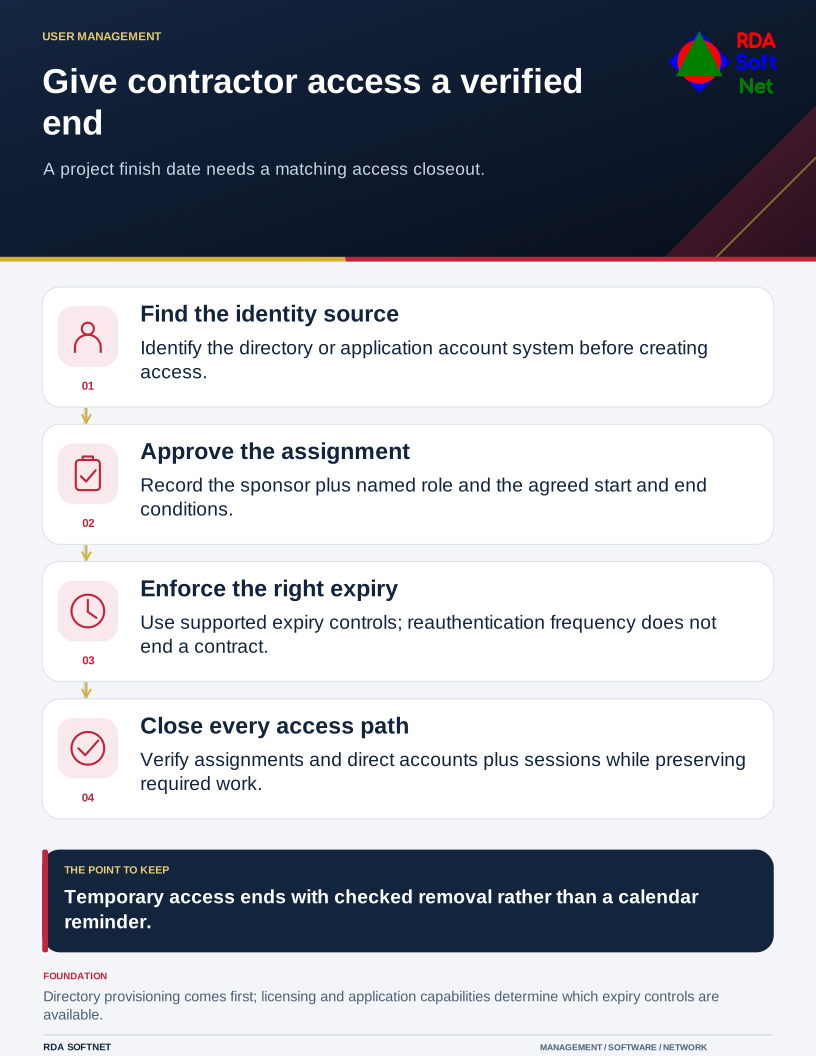
Assign an internal sponsor who knows what the contractor must do and when the need ends. Record the person, employer, approved systems, role, start date, end date, and any conditions. Use a named account rather than sharing an employee's identity.
Put the account in the right place
Determine which directory or identity provider manages access: Active Directory, an LDAP service, Microsoft Entra ID, or an application-specific system. Establish how the contractor is represented and how the organization's approval reaches the administrator. Our onboarding guide connects that first step with roles, licensing, and handover.
Give access only to the systems and records needed for the assignment. Remote administration should use a separate approved arrangement, with elevated rights controlled through privileged access. An external support company should not need a permanent shared administrator password to perform ordinary scoped work.
Before work begins, test the intended device, authentication method, and application. Document any exception and who accepts it. Someone needs to support failed access without widening permissions informally.
Separate sign-in conditions from expiry
Conditional Access can impose requirements on supported sign-ins, but sign-in frequency is a reauthentication control. It is not a contract expiry date. Microsoft's session lifetime documentation describes that distinction.
Where the organization's licensed configuration supports it, entitlement management can give access package assignments a defined expiration. Microsoft documents those lifecycle settings. Other environments need a supported account or application expiry mechanism and a tracked action for anything not automated.
Check the exact scope. Expiring one assignment does not necessarily remove direct application roles, another group membership, local accounts, or a credential stored on equipment. Automated expiry should reduce reliance on memory, with a verification step for the remaining paths.
Close the work and the access together
Have the sponsor confirm completion or request an approved extension. Update the access record before extending a date. Review rights again if the assignment changes, rather than treating the original approval as permission for any future work.
At closeout, remove entitlements, disable or remove accounts as appropriate, and address active sessions and application-specific access using supported procedures. Verify the result against the original access list. Our offboarding guide includes information transfer, equipment, retention, and access checks.
Preserve required work and records without leaving the contractor's login active for convenience. Assign ongoing ownership to the department and retain evidence of the closeout. A temporary access process is complete when another administrator can explain what was granted, why it ended, and how that end was checked.