
A dashboard can be full of accurate numbers and still leave a meeting without a decision. Before choosing charts, ask what someone needs to understand and what they could reasonably do with the answer.
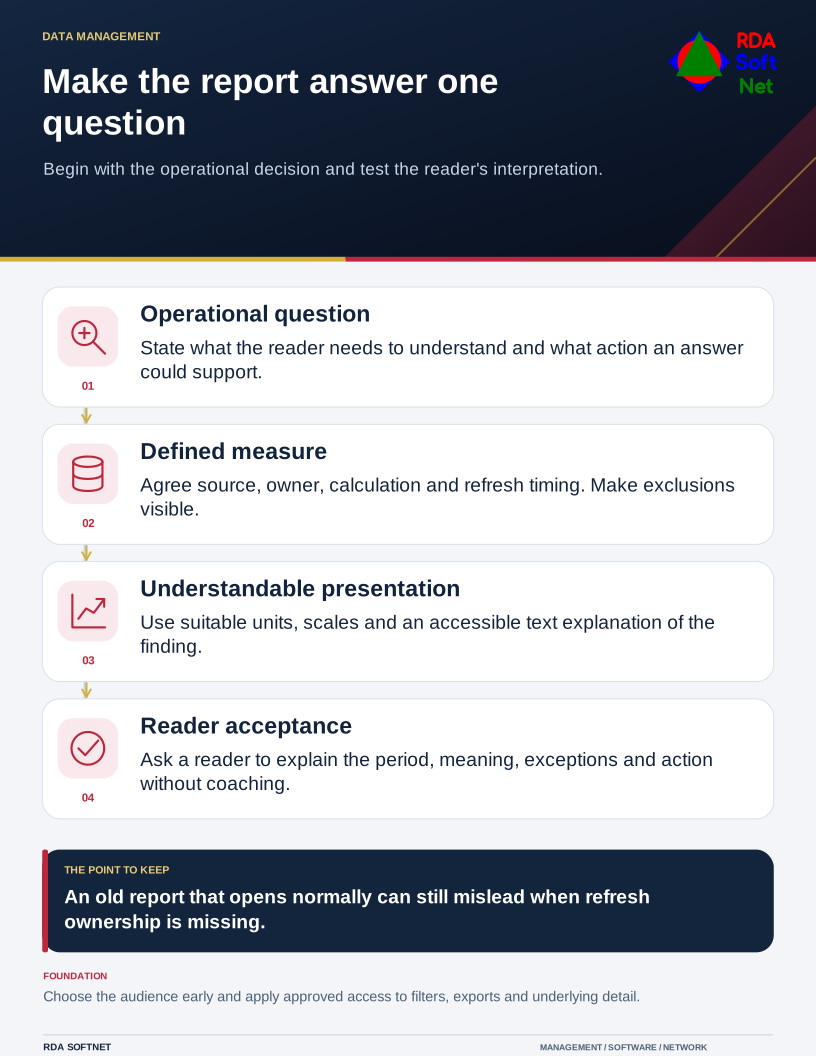
Make the report answer one question
Begin with the operational decision and test the reader's interpretation.
For an open-work report, that might be whether overdue items are accumulating in one stage. Total activity alone will not answer it. The report needs an agreed definition of overdue, the relevant time period, and enough context to distinguish a backlog from a normal change in demand.
Agree what the measure means
Identify the source, responsible owner, refresh timing, and calculation. Explain exclusions, missing values, and whether a date refers to creation, completion, or another event. Two departments can use the same field name while measuring different things.
Apply the data quality guide before polishing the presentation. Check representative records against the working process, especially totals that cross application boundaries. A visually impressive result does not repair a mismatched definition or an incomplete extract.
Choose the audience and access arrangement early. A management summary may need grouped results rather than identifiable customer or employee records. Confirm that filtering, exports, links, and underlying detail follow the data governance rules. Publishing to a public gallery is not an appropriate shortcut for confidential reporting.
Show the relationship clearly
Use a chart suited to the question. A trend needs a consistent sequence and readable period labels. A comparison needs categories that mean something to the audience. Show the units and explain whether a value is a count, rate, estimate, or percentage.
Make scale choices visible. A changed axis, omitted period, or denominator change can alter the apparent story. Where results are uncertain or incomplete, say so beside the result rather than leaving the reader to discover a separate technical note.
Include a short explanation of the finding in ordinary language. W3C's complex-image guidance describes providing text that conveys essential chart information, including relevant values and relationships. A chart image alone may leave that information unavailable to part of the audience.
Use the accessibility guide to review labels, contrast, keyboard interaction, and the alternative presentation. Avoid relying on color alone to distinguish status. Test the actual exported document or shared page as well as the author's editing view.
Check the report in a real discussion
Ask a representative reader to explain what the report says without coaching. Can they identify the period, definition, exception, and action? If they interpret the measure differently, fix the report or the definition before expanding its use.
Assign ownership for refresh failures and later changes. An old report that still opens normally can mislead just as easily as one with an obvious error. Display when the information was refreshed and provide a way to ask a question about it.
If collection or distribution is automated, use the automation guide to define failure handling and approval. Begin with a report that answers one useful question reliably. Additional views should earn their place by helping someone understand the work.