
"The Wi-Fi is slow" describes an experience, not yet a diagnosis. The cause might be weak coverage, busy radio channels, a device, the wired network, the internet connection, or the application at the far end.
Locate the constraint along the connection
Reproduce the place, time, device and task before choosing a wireless change.
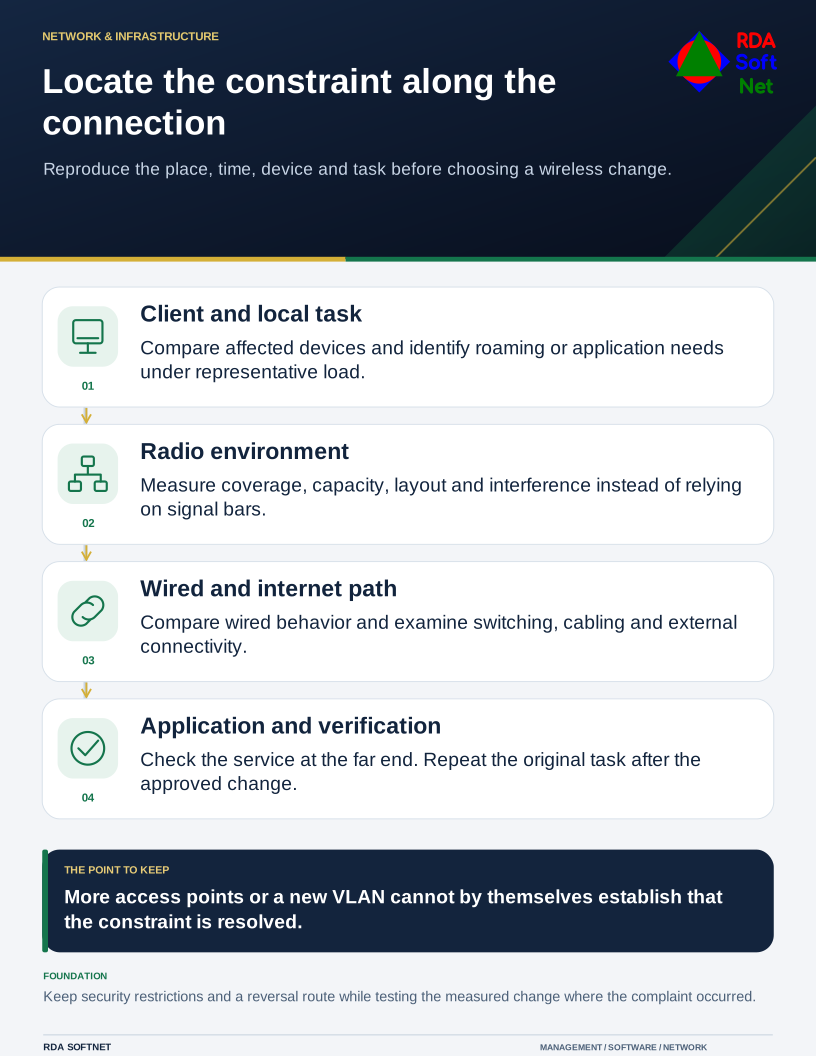
Ask for the place, time, device, and task involved. Does the problem happen in one meeting room, during a busy intake period, or only in one application? Those details give the network team something useful to reproduce and measure.
Establish which part is failing
Compare representative wired and wireless behavior where appropriate. Check whether several devices see the same issue and whether local and hosted services behave differently. Avoid drawing a conclusion from a single speed test that follows only one path at one moment.
Review access points, switching, cabling, addressing, name resolution, internet service, and relevant application dependencies. Signal bars alone do not demonstrate that a connection can support the workload. The wireless planning guide separates coverage and capacity from the rest of the service.
Cisco Meraki's high-density design guidance emphasizes capacity planning and site surveys in the actual environment. Use the principle of measurement and validation without assuming one vendor's settings fit every installation.
Design for the devices and the work
Identify expected clients, concurrent activity, roaming, physical layout, and application requirements. A quiet office test does not represent a room full of people joining calls. Shelving, walls, neighboring radios, and supported client capabilities can affect the result.
Adding access points without channel and power planning can introduce further contention. A wider channel or maximum transmit power is not automatically an improvement. Have the authorized team choose settings from survey findings, equipment support, and the use case.
Keep segmentation and performance in their proper roles. Separation can restrict unnecessary communication, but a new VLAN does not create more radio airtime or guarantee that another segment remains available. Use the segmentation guide for access boundaries and test them alongside the wireless changes.
Traffic prioritization can help manage contention under the conditions the equipment supports. It cannot create missing bandwidth or control every part of an external path. Essential voice or video work should have acceptance tests based on representative use rather than a promise from one enabled setting.
Verify the change where the complaint occurred
Record the baseline, approved configuration change, and test method. Repeat the original task in the affected locations and at a representative load. Include different devices and movement between areas if those matter to the work.
Confirm that security and guest restrictions remain effective. Improving a connection should not depend on disabling a necessary protection. Keep a reversal plan and update the network documentation after acceptance.
If an outage would stop essential work, review the continuity arrangement, including any alternate connection and its real dependencies. A second service may still share infrastructure with the first.
Bring recurring findings into the service review. The useful outcome is an explained cause, a measured improvement, and a maintained design, so the next complaint can be investigated from known information.