
Microsoft 365 can offer several ways to hold a discussion, collect a request, manage a task, and work on a document. That flexibility is useful until each team invents a different route and important information becomes difficult to find.
Follow one Microsoft 365 request
Choose applications around a recurring task with a visible record and handoff.
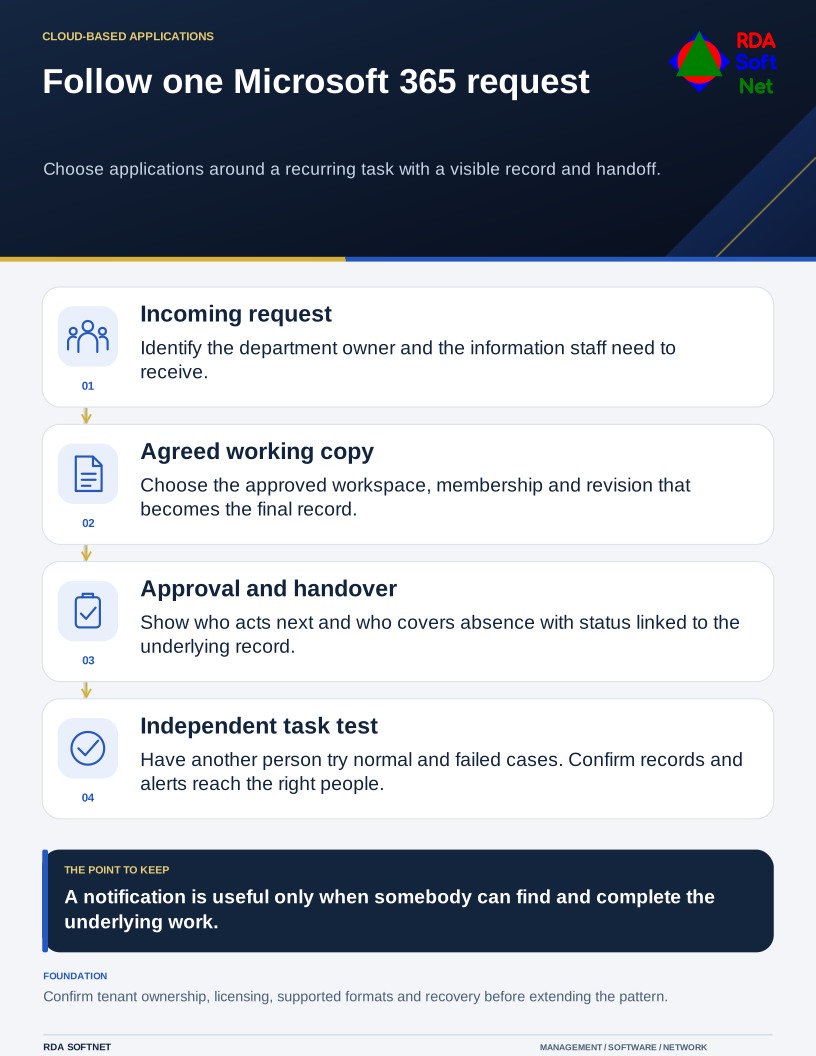
Choose one recurring task to improve. Follow it from the incoming request to approval, completion, and recordkeeping. Ask the staff doing the work where they duplicate effort or wait for information. Select applications around that process rather than trying to introduce every available feature at once.
Establish where the work belongs
Name the department owner, approved workspace, membership, and record location. Distinguish a person's working material from files the department needs to maintain independently of that person. The file collaboration guide connects those decisions with sharing and departures.
For joint editing, Microsoft's co-authoring guidance identifies supported storage, applications, and formats. Test the real document and client combination. A feature available in one application or file format should not be assumed to behave identically everywhere.
Use links to an agreed working copy where appropriate, instead of distributing many uncontrolled attachments. Still decide how a final record is approved and preserved. Co-authoring makes collaboration possible; it does not remove the need to know which revision represents the authorized result.
Build an understandable handoff
Show who receives a request, who approves it, where its status is visible, and how another person takes over. A notification is not a completed workflow if the recipient cannot find the underlying record or nobody covers their absence.
If Forms, a task tool, or automation is involved, test ordinary and failed cases. Include an incomplete request, unavailable approver, duplicate submission, and rejected decision. The automation guide covers identities, failure alerts, change control, and support responsibility for automated steps.
Avoid storing confidential details in channel names, task titles, or notifications visible to a wider audience than the underlying record. Apply the organization's information handling rules to the entire process, including exports and reminders.
Train the task and verify the service
Provide a short demonstration using permitted test information, then have staff perform the task themselves. Include where to get help and what to do when the normal route fails. Training should reflect the applications and settings the organization actually supports.
Confirm licenses, tenant ownership, administrative responsibility, and applicable service limits through cloud governance. Buying a suite does not automatically configure its security, retention, or sharing for the intended use.
Microsoft's saving and recovery guidance explains useful file functions, which should be tested as part of the chosen arrangement. Keep the wider recovery requirement separate from ordinary saving.
Have someone who did not build the workflow process a test request from the instructions. Confirm the approval, status, final record, and failure alert all reach the intended people. Correct any unexplained handoff before extending the pattern to another department. Staff should be able to repeat a useful process without remembering the original demonstration.