
A published meeting agenda and an unfinished personnel assessment may sit in the same document library. They do not necessarily belong in the same sharing arrangement. Before choosing an encryption setting or enabling external access, establish what the information is and who can decide how it is used.
A label needs handling rules
Classification connects the information owner with practical decisions about use and protection.
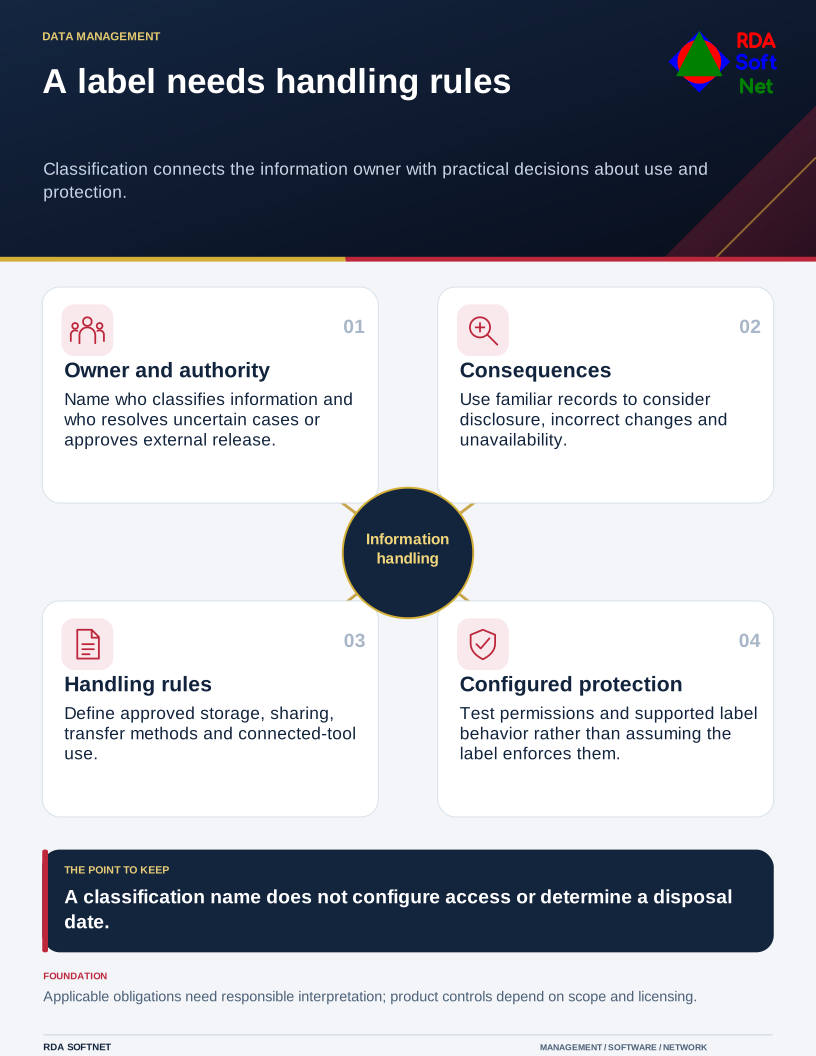
Information classification gives that decision a consistent vocabulary. The department understands the records and their purpose; IT implements the approved controls. RDA's approach connects those responsibilities rather than asking a technician to infer the sensitivity of an unfamiliar file.
Choose categories people can explain
Begin with representative information, its owner, applicable obligations, and the consequences of disclosure, incorrect changes, or unavailability. A public document can still need protection against unauthorized alteration. Sensitivity and operational importance deserve separate attention.
NIST's FIPS 199 categorization standard assesses confidentiality, integrity, and availability impacts for federal information and systems. It provides a useful perspective on consequences; its federal applicability does not make it a universal classification requirement for every organization.
An organization might adopt categories such as Public, Internal, and Restricted. Those are examples, not prescribed legal labels. Define each category with familiar records and the approved handling arrangements. Avoid an elaborate list that staff cannot distinguish in an ordinary working day.
Assign authority to make and change classifications. Include a route for uncertain cases and explain who approves release outside the organization. The data governance guide establishes the information owner and authorized uses behind these decisions. Legal, contractual, privacy, and public-records questions need the appropriate responsible adviser; an internal label does not settle them.
Turn the category into working instructions
For each category, specify approved storage, access, external sharing, email or transfer methods, printing, remote work, and use in connected applications or AI tools. Include what staff should do when a supplier requests a copy. Make exceptions explicit and assign an approver.
Connect the rules with file collaboration and encryption arrangements. A heading saying Restricted does not configure permissions or protect a downloaded copy. Test the chosen controls with ordinary accounts and the file types, devices, and external recipients actually involved.
Microsoft's sensitivity-label documentation distinguishes labels from their configured protection settings. In a supported deployment, labels can apply markings or protection; labels can also exist without protection settings. Confirm licensing, scope, application support, and actual behavior before promising automatic enforcement.
Keep retention decisions connected but distinct. The records retention guide addresses preservation and disposal authority. A sensitive record may need long retention, while a public working copy may have little continuing value. Classification alone does not determine a deletion date.
Check the awkward examples
Try the scheme against a mixed attachment, a spreadsheet export, an approved public release, and information received under a supplier agreement. Have representative staff choose the handling route and explain why. Resolve disagreements before applying a default label across a whole library.
Leave a short reference with examples, an owner, and a review date. Revisit it when the information, contractual duties, or workflow changes. A usable scheme should help someone make the next sharing decision without guessing what an unexplained category means.