
Your organization's email may come from more places than its employee mailboxes. A website form, invoicing system, newsletter service, scanner, and line-of-business application can all send messages using the same domain. An email authentication project needs to account for those senders before tightening policy.
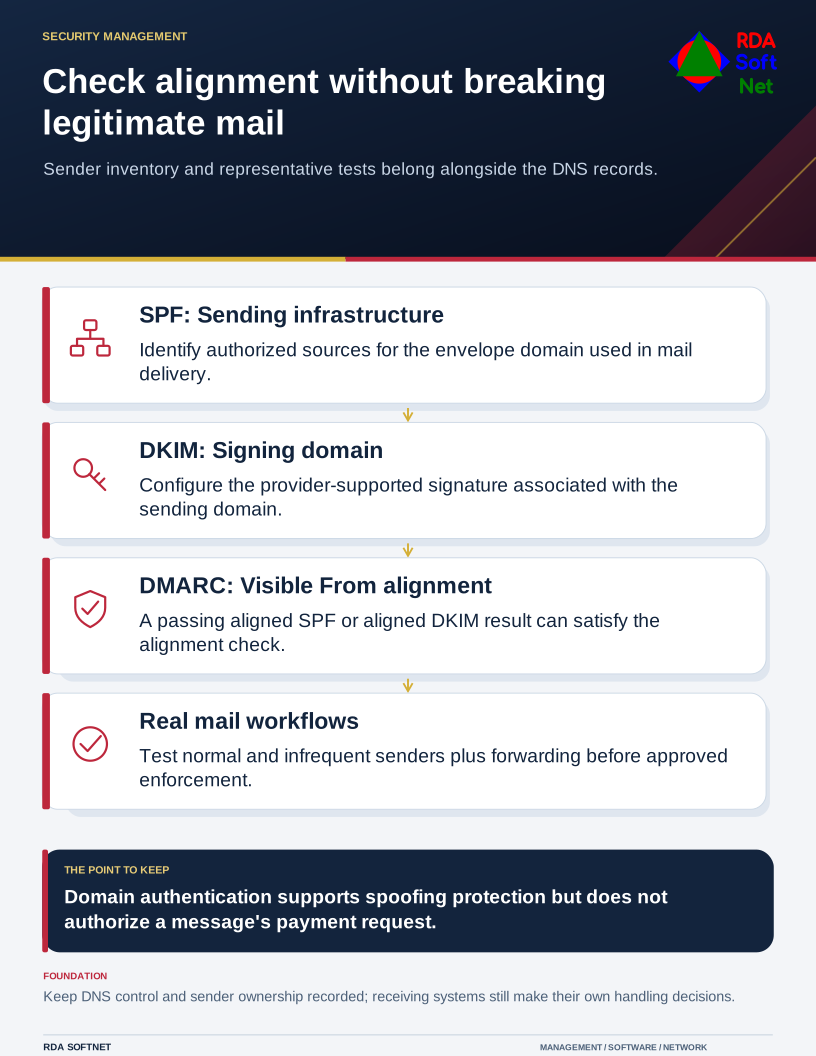
Check alignment without breaking legitimate mail
Sender inventory and representative tests belong alongside the DNS records.
This is why a DNS change that looks small can become a business interruption. The task is to distinguish authorized mail from impersonation while keeping legitimate workflows working.
Find the real senders first
Ask departments and providers which services send mail, what address recipients see, and who administers each service. Compare that list with mail reports and existing DNS records. A forgotten billing application may only send at month end, so a quiet afternoon is not a complete test period.
Name the owner of the domain and DNS administration. Changes should use authorized access, a recorded plan, and a way to restore the previous configuration if needed. The email security guide connects these responsibilities with mailbox and domain protection.
SPF identifies authorized sending infrastructure for an envelope domain. DKIM uses a cryptographic signature associated with a signing domain. DMARC evaluates whether a passing authentication result aligns with the visible From domain and publishes a requested policy for failures. The important point is alignment, not merely the presence of three records.
Microsoft's DMARC configuration guidance explains that aligned SPF or aligned DKIM can satisfy DMARC. A provider can pass its own authentication and still fail alignment with your organization's address.
Move from observation to an approved policy
Use reports and representative message tests to identify mistakes. A monitoring policy can be useful during discovery, but it should have a review owner and a planned decision about enforcement. Leaving reports in an unread mailbox does not complete the project.
For each legitimate service, work with its administrator to establish the supported configuration. Test receipts at relevant outside providers, not just delivery inside the organization. Include replies, forwarding arrangements, automated notices, and infrequent processes that matter to the work.
Then approve the appropriate enforcement policy and monitor for unintended effects. Receiving systems make their own handling decisions; publishing a reject policy is not a guarantee that nobody can ever impersonate the organization.
Keep payment decisions outside the email thread
Domain authentication does not establish that a message's requested action is authorized. A criminal using a lookalike domain or a compromised real mailbox can still send a believable request. Staff need the payment verification procedure even when a message passes technical checks.
Treat a request to change bank details as a business process that requires independent confirmation. Use contact information already held in trusted records, and document the approval. Do not make the employee's ability to spot a slightly different domain the only defense.
After rollout, add new mail services through the integration review. Remove retired senders and revisit reports when vendors or domains change. Keep the department contact, DNS owner, and email provider in the record so the next application purchase does not quietly create an unreviewed sender.