
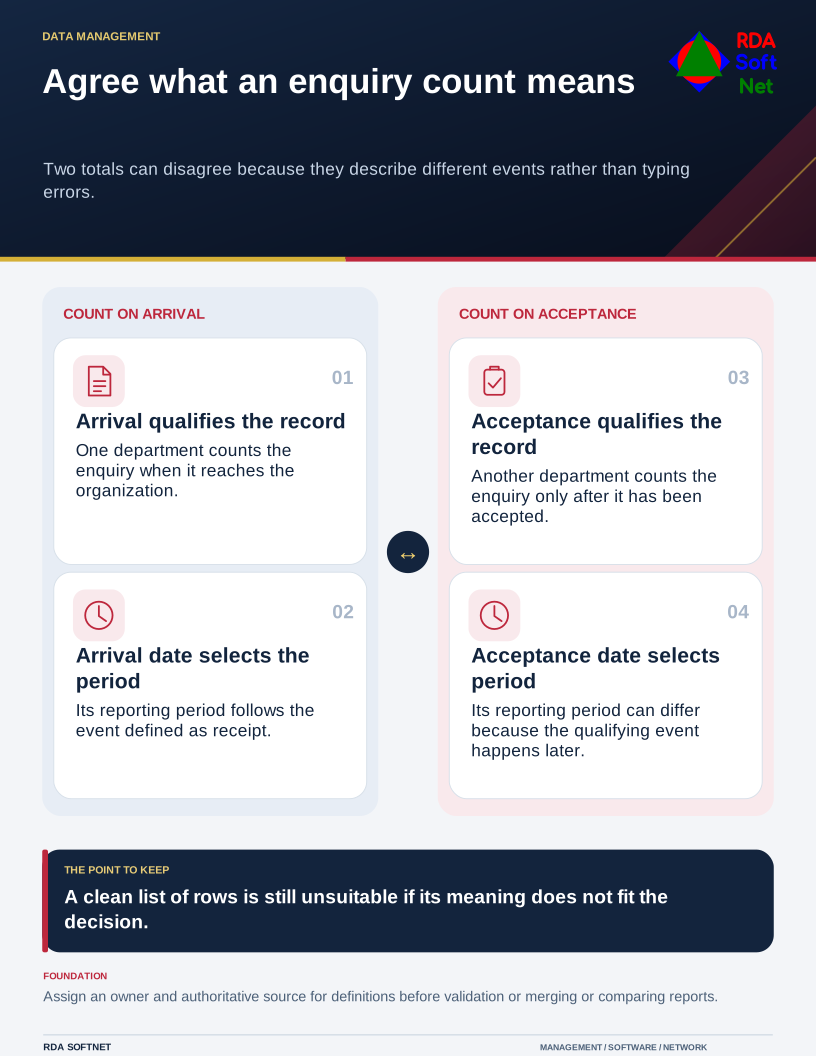
Two reports can disagree even when neither contains a typing error. One department may count an enquiry when it arrives; another counts it only after acceptance. Comparing the totals without those definitions creates an argument about numbers when the real issue is meaning.
Agree what an enquiry count means
Two totals can disagree because they describe different events rather than typing errors.
Start a data-quality review with the decision the information supports. Ask who uses it, what a record represents, and what would happen if it were wrong, late, incomplete, or duplicated.
Define the record and the source
Choose the authoritative source for important fields. Define terms, dates, statuses, units, and identifiers in language the department understands. A date might mean creation, approval, completion, or entry into another system; those are different events.
The UK Government's Data Quality Framework treats quality as fitness for an intended purpose and emphasizes addressing problems throughout the data lifecycle. That is a useful approach beyond its government setting. A tidy spreadsheet can still be unsuitable for the decision being made.
Give an accountable owner authority to resolve uncertain definitions and corrections. The data quality guide connects that role with validation and reporting. IT can implement a field rule, but it needs the department to say what values are meaningful.
Do not confuse security with the whole of data integrity or quality. Protecting records from unauthorized change is important; relationships, consistency, and accurate representation also need attention. A securely stored wrong address remains a wrong address.
Before combining apparent duplicates, establish how identity is determined. Two records with the same name may represent different people, accounts, or events. Automatic merging without a review route can destroy useful distinctions and make the original information difficult to reconstruct.
Put checks where errors enter
Follow a record from collection through entry, integration, reporting, and correction. Look for repeated manual retyping, unsupported defaults, incompatible date formats, and fields whose meaning changes between applications. Fixing the report every month leaves the source of the problem in place.
Use validation proportionately. Require information needed for the task, provide clear error messages, and avoid forcing staff to invent a value to proceed. An explicit unknown or pending state may be more honest than a mandatory but inaccurate entry.
The integration review should cover field mapping, identifiers, and what happens when a transfer fails or is repeated. Have a business user inspect representative results, including corrections and unusual cases. Matching row counts alone will not establish that records retain their meaning.
Track a few measures that relate to the work, such as unresolved duplicates or missing information needed for a particular action. Publish limitations with the report and identify when it was refreshed. Changes in definitions may affect comparisons with earlier periods.
Protect any cleanup exports under the information-handling rules. Keep a controlled change record and recovery route for substantial corrections. At review, ask whether the problem recurred at its source. That is stronger evidence of improvement than a one-time file that looks cleaner.