
The facilities team may buy a thermostat, a department may add a display, and a contractor may install a badge reader. Each can become a network and information dependency even though none was purchased as a computer.
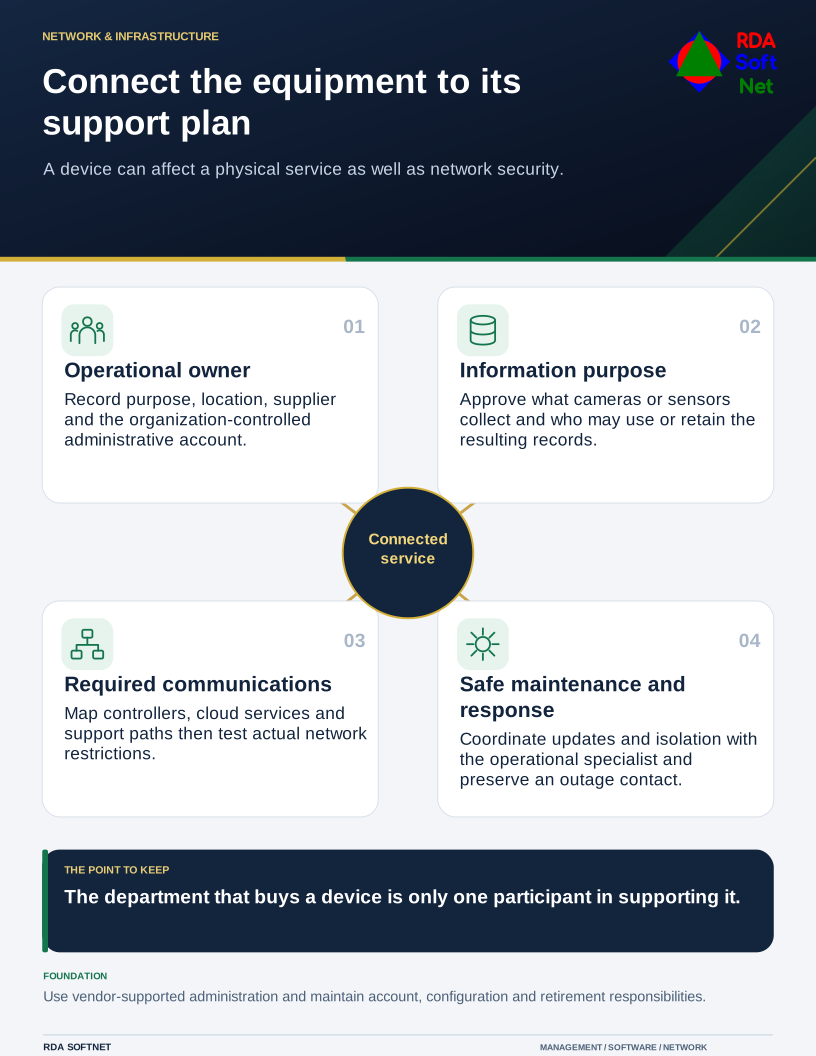
Connect the equipment to its support plan
A device can affect a physical service as well as network security.
Bring those devices into the support conversation before installation. Ask what the device does, which service it supports, who administers it, and what would happen if it stopped or behaved incorrectly. Equipment controlling a physical process needs particular coordination.
Establish the owner and supported arrangement
Record the model, location, purpose, provider, administrator, update path, and expected support period. Include any cloud account or subscription required for operation. A device can remain physically installed after the employee who created its account has left.
The connected-device guide helps frame that inventory. NIST's IoT capability baseline supplies a starting point for assessing security capabilities when integrating or acquiring connected equipment. It is not a certification that every device or use is safe.
Ask how administrative credentials, configuration, data protection, updates, and security state are handled. Change unsafe defaults through the supported process and keep access under organizational control. Do not assume that a consumer-style setup screen provides the account ownership or recovery needed for business operation.
Review what information the device collects and where it goes. Cameras, microphones, access systems, and occupancy sensors can create privacy and retention questions. Have the responsible people approve the purpose and audience under the information-handling rules.
Permit the connections the service needs
Map required communication to controllers, recorders, applications, cloud services, and support providers. Then design restrictions around that need. Unnecessary paths into user computers or management interfaces should not be granted just because all equipment uses the same router.
The network segmentation guide covers the boundaries and testing. A separate wireless name or VLAN is not enough to demonstrate restriction. Equally, placing every device on guest Wi-Fi can break a required local control path; the design must reflect the actual service.
For vendor support, establish named access where supported, appropriate authentication, approval, and review. Turn off unused features and access paths after checking dependencies. Keep the configuration documented securely so another authorized technician can understand it.
Updates need a procedure suited to the equipment. An unattended update that is harmless for an office display may be unsuitable for a device supporting access or environmental control at a critical time. Coordinate testing and maintenance with operations and the supplier.
Decide who receives an alert or a report of unusual behavior and what action is safe. Isolating a device can affect a physical service, so response should include its operational owner. Keep the provider's contact reachable during an outage.
Review the equipment through the asset lifecycle process, including support changes, account renewal, configuration recovery, and retirement. Before disposal or transfer, handle stored information and connected access deliberately. A device belongs in the operating plan for as long as the organization relies on it, regardless of which department bought it.