
An attacker does not have to deliver a conspicuously named virus to cause harm. An intrusion can use scripts, stolen credentials, legitimate administrative tools, or malicious software that changes its appearance. A protection plan focused only on recognizable bad files can miss part of that activity.
Evidence beyond a detected file
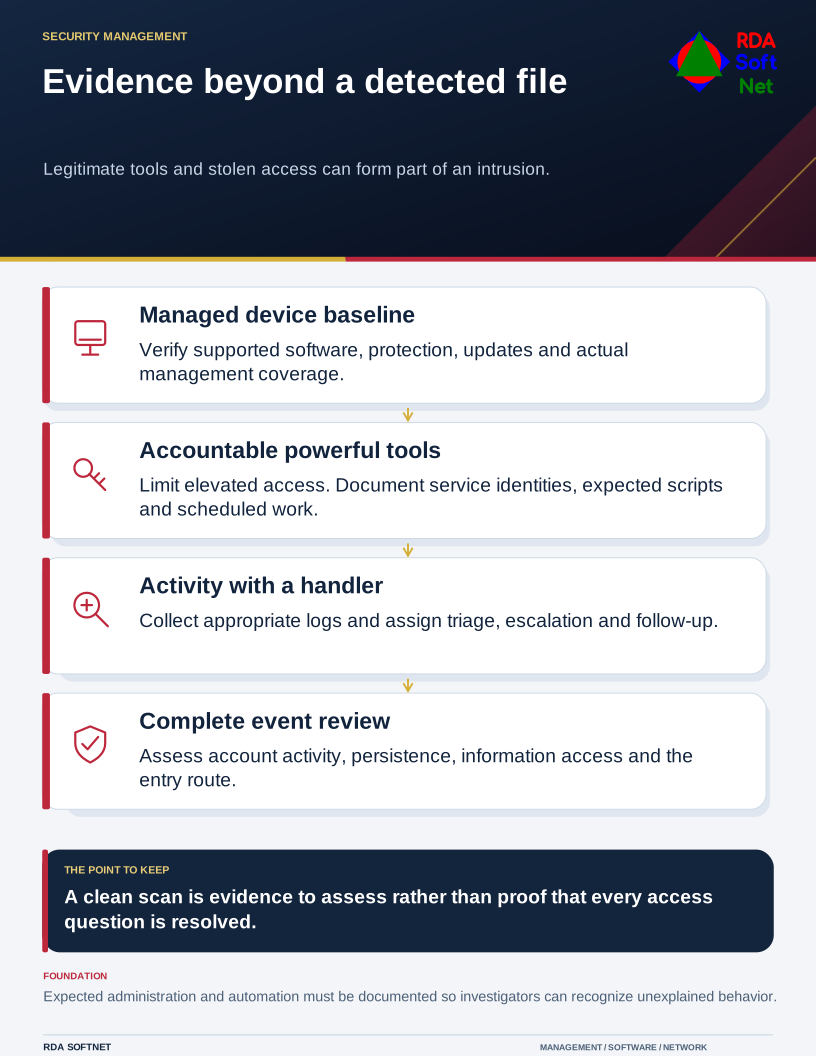
Legitimate tools and stolen access can form part of an intrusion.
This is not a reason to abandon antivirus or to expect every employee to become a threat researcher. It is a reason to coordinate device protection, access control, useful activity records, and a response team that understands the environment.
Treat the names as descriptions, not a checklist
Terms such as trojan, spyware, rootkit, ransomware, and fileless describe different characteristics and can overlap in one attack. Some describe a disguise, some a purpose, and some a way of operating. Counting how many category names a product mentions is not a meaningful coverage test.
Microsoft's fileless threat documentation explains that the term is used broadly and that an attack chain can include both file-based and fileless stages. Do not interpret it as a universal claim that an attack leaves no evidence or that restarting a computer completes the response.
Use the endpoint security guide to review the practical baseline. Confirm supported applications, updates, protection status, and controlled software installation. Identify missing or unmanaged devices rather than assuming a tool covers equipment that has never reported to it.
Make legitimate tools accountable
Administrative utilities and scripting are valuable for support and development. Their use can also deserve scrutiny when the account, device, destination, or task does not fit the approved work. Blocking every powerful tool indiscriminately can disrupt operations without producing an effective response process.
Limit administrative authority through privileged access management. Keep ordinary browsing and email separate from elevated support tasks. Document service identities and scheduled work so an investigator can distinguish expected automation from an unexplained change.
Configure appropriate logging and alerting, then assign people to use it. The security operations guide connects detection with triage, escalation, and follow-up. A detailed alert is still unfinished work until someone evaluates the service impact and decides what happens next.
Investigate the complete event
Staff should report suspicious prompts, unexpected software, or unexplained changes through the normal route. They need not identify which technique was used. Support should preserve the useful details and coordinate containment according to the affected system.
NIST's malware handling guidance provides a foundation for that coordination. Use current platform guidance and the organization's incident response procedure for the particular actions involved.
Review account activity, information access, persistence, and the entry route as well as the detected file or process. Verify any restored or rebuilt service before returning it to normal use. Record what evidence supports that decision and which monitoring or access correction follows. The next reviewer should be able to see how the event was assessed, even if several threat descriptions applied.